

The Wix website builder has been the go-to recommendation for non-technical website building since 2006, and its 2026 AI-driven update has only strengthened that reputation. This review covers what actually changed, what people search most when researching Wix, and whether it still deserves its position as one of the default choices for anyone building a site without a developer.
Short version: for beginners and small businesses wanting a professional site live fast, Wix remains one of the smartest, lowest-friction choices available — with a few real trade-offs worth understanding before you commit.
Wix is an all-in-one website building platform that lets anyone create a professional website without writing code, combining hosting, design tools, and business features into one connected system. Launched in 2006 as a simple drag-and-drop editor, it has grown into one of the most recognized website builder brands among small businesses worldwide, trusted by millions of users who never needed a developer to get a real, functioning site online. That long track record matters more than it might seem — a huge portion of Wix’s appeal comes from brand trust built over nearly two decades, at a time when newer AI-first competitors are still proving themselves.

What’s changed most significantly heading into 2026 is the addition of full AI generation layered on top of that original editor rather than replacing it. Wix now offers two distinct building experiences under one roof: the Classic editor, which is the traditional drag-and-drop system longtime users are familiar with, and Wix Studio, a separate plan set specifically designed for agencies and freelancers managing multiple client websites with more developer-focused tools built in. Both share the same underlying hosting infrastructure and app ecosystem, so choosing between them comes down to whether you’re building a single site for yourself or managing sites professionally for other clients, rather than one being a strictly better version of the other.
Understanding how the Wix website builder actually functions in 2026 starts with its AI Website Builder, the platform’s flagship feature and the reason so many new users are drawn to it over more manual competitors. The process begins with a short, conversational, chat-style interview about your business — what you do, who your customers are, and what style and structure you’re looking for. From there, Wix generates a complete, publishable website in roughly sixty seconds, including pages, written copy, images, navigation, and basic SEO settings already configured, rather than handing you a blank template to fill in yourself from scratch.
Once that initial site is generated, the real value comes from what happens next: refining it inside Wix’s drag-and-drop editor, where you get genuinely detailed control over layout, fonts, images, and individual page elements. This two-step process — AI generates a strong starting point, then you refine manually — is a meaningfully different experience than older website builders that either forced you to start from a completely blank canvas or locked you into a rigid template with little room for real customization. It’s worth knowing about one specific limitation that catches new users off guard, though: once your site is live and published, switching to a different template entirely isn’t a simple toggle — it typically requires rebuilding your content from scratch on the new template, since Wix’s system doesn’t carry your existing content structure over automatically. That makes choosing your starting direction thoughtfully upfront more important with Wix than it might be with a platform that allows template switching more freely later on.
Digging deeper for this Wix AI website builder review, the AI layer extends well beyond just generating the initial site. Wix’s AI Assist tools cover text generation for page copy, AI image creation for visuals, and automated SEO meta tag suggestions built directly into the editor — meaning a lot of the groundwork that used to require separate copywriting or SEO tools now happens inside the same platform you’re already using to build the site itself. The quality of AI-generated copy is genuinely usable as a starting draft in most cases, though anyone building a business site should expect to edit and personalize the output rather than publishing it completely untouched.

A valid and common concern before signing up for any platform: is Wix safe for hosting a business website and customer data? Generally yes — Wix provides SSL certificates on all sites, PCI-compliant payment processing for ecommerce plans and a solid, reliable hosting infrastructure that has been in existence for almost 20 years. As with any hosted platform, the specific security of your site also depends on keeping any connected third-party apps updated and using strong account credentials, but the core platform itself carries a solid, well-established security track record.
For anyone evaluating Wix for small business use specifically, the platform’s core appeal is speed and accessibility — a functional, professional-looking site can go live within a single day, without hiring a developer or learning code. The free plan lets you build and fully test a site before paying anything, though publishing with a custom domain and removing Wix’s branding requires upgrading to a paid tier starting at $17/month. For a small business focused on getting online quickly without a large upfront investment, that combination of speed and low barrier to entry is genuinely hard to beat.
Wix CMS: Working with Dynamic Content When your site needs more than just static pages, the Wix CMS functionality allows you to build dynamic, database-driven content — blog posts, product catalogs, staff directories, or any type of repeating content — without having to manually create each page individually. This becomes especially valuable as a site grows beyond a handful of static pages, allowing you to manage structured content through a centralized system rather than duplicating page layouts by hand for every new entry.

The Wix website editor remains the platform’s core strength, giving users granular control over every visual element on a page — positioning, fonts, colors, spacing, and animations — through a visual drag-and-drop interface rather than requiring any code. Combined with the AI-generated starting point, the editor lets users go as deep into customization as they want, or leave the AI’s initial design largely intact if design isn’t a top priority for their specific project.
Wix Members Area: Building a Login-Protected Site If your site has restricted or personalized content, the Wix Members Area feature allows you to create login-protected sections. This is ideal for membership sites, online communities, or any business that wants to offer exclusive content to registered users. Members can sign up, log in, and access certain parts of the site that are hidden from the general public, without having to install a separate third-party membership plugin on the platform.
Across Wix sites, the template library covers a broad range of industries and use cases — portfolios, restaurants, online stores, service businesses, and blogs among the most common categories. Each template is fully editable rather than fixed, though as covered earlier, committing to a template direction before launch matters more on Wix than on some competing platforms, given the rebuild required to switch templates after your site goes live.
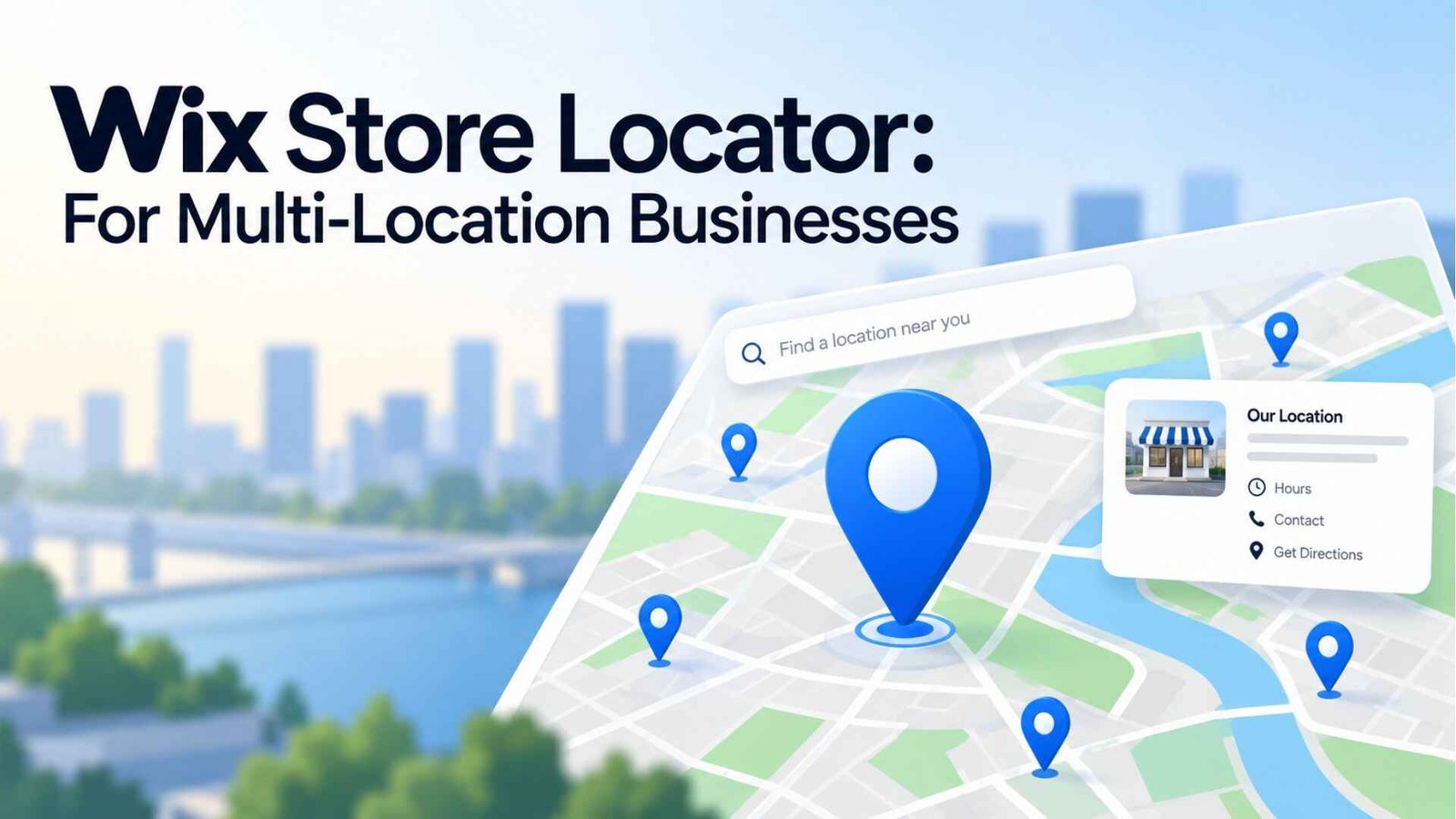
For businesses operating multiple physical locations, the Wix Store Locator feature lets visitors search for and find the nearest branch directly from the website, typically integrated with a map display and location-specific details like hours and contact information. This is a genuinely useful addition for retail chains, restaurant groups, or service businesses with several physical addresses that would otherwise need a separate third-party tool to provide this functionality.
If you’re serious about getting noticed in organic search, you need to know how to add keywords to Wix website pages. Wix offers built-in SEO tools that allow you to set page titles, meta descriptions, and target keywords directly in the settings panel for each page. There’s also an SEO Wiz tool that guides less experienced users through a step-by-step checklist of on-page optimization tasks. This built-in method means that you can achieve basic SEO fundamentals without needing a separate plugin. However, competitive keywords still require genuinely well-structured, original content behind the optimization — the tools help you implement a strategy, but they don’t replace having one.
Related to on-page optimization, Wix’s keywords research capabilities inside its SEO tools help identify relevant search terms for your specific business and location, guiding which phrases to target across page titles, headers, and body content. For most small business sites, this built-in guidance covers the basics well enough to avoid needing a dedicated third-party keyword research tool during the initial setup phase.
What works well:
Where it falls short:
Across current Wix reviews, the platform’s long-standing reputation holds up well into 2026, particularly with AI generation now handling most of the initial heavy lifting that used to require starting from a blank template. It remains genuinely one of the most accessible ways for a non-technical user or small business to get a professional website live quickly. The real trade-offs — template lock-in after launch, and costs that grow less predictable as you add features — are worth planning around rather than viewed as dealbreakers, since for most beginner and small-business use cases, Wix’s combination of speed and accessibility still wins out over the alternatives.
Wix is an all-in-one website platform combining hosting, design, and AI-powered site generation. Unlike older builders that start with a blank template, Wix’s AI Website Builder generates a complete, publishable site from a short business description in about sixty seconds.
Yes — Wix provides SSL certificates across all sites and PCI-compliant payment processing for ecommerce plans, backed by nearly two decades of established hosting infrastructure.
Wix’s built-in SEO tools let you set target keywords, page titles, and meta descriptions directly in each page’s settings, alongside a guided SEO Wiz checklist for less experienced users.
It works well for both. Small businesses benefit specifically from the fast setup, built-in ecommerce starting at the Core plan, and SEO tools that cover most fundamentals without needing separate software.