

Gemini has changed faster than almost any other AI product over the past year, and a lot of information floating around online is already outdated by the time you read it. This guide answers what is Gemini good for based on the current 2026 lineup, covering everything from its multimodal capabilities to the specific features people search most before actually using it day to day.
Short version: Gemini has grown from a text chatbot into a genuinely capable multimodal assistant spanning research, creative work, coding, and image and video generation — and its deep integration with Gmail, Docs, and Search makes it a particularly strong fit for anyone already living inside Google’s ecosystem.
Gemini is Google’s AI platform, available as a consumer chat app, a developer API through Google AI Studio, and enterprise orchestration through Google Cloud’s Gemini Enterprise Agent Platform. Unlike a single model, Gemini refers to an entire family of models tuned for different trade-offs between speed, reasoning depth, and cost — Flash models built for everyday speed and coding, Pro models for deep reasoning and long-document analysis, and a separate Deep Think variant reserved for the most demanding scientific and multi-step research problems.

What makes Gemini genuinely distinct from other AI assistants is how deeply it’s woven into products people already use daily. Rather than existing as a standalone destination you have to remember to visit, Gemini shows up directly inside Gmail drafting replies, inside Google Docs summarizing or editing text, and inside Google Search answering questions with AI-generated overviews. For anyone already living inside the Google ecosystem — Workspace users, Android phone owners, Chrome users — that native integration is arguably Gemini’s single biggest practical advantage over a competitor you’d need to open in a separate tab or app every time. The free tier is also notably generous by 2026 standards, including a fast default model, limited daily access to the flagship Pro model, image generation, voice mode, and even Deep Research reports without requiring a subscription at all — a meaningfully different starting point than AI tools that gate nearly everything useful behind a paywall from day one.
Diving deeper into Gemini 3 Pro multimodal capabilities, this is really where the 2026 generation separates itself from earlier versions of the assistant. Multimodal input means Gemini can accept and reason across text, images, audio, video, and PDF documents within the same conversation, rather than treating each format as a separate, disconnected feature bolted onto a text-only core. In practice, this means you can type a question, speak to Gemini directly through voice mode, upload a document for analysis, show it a photo taken on your phone, share your screen for troubleshooting, or hand it a video file — and Gemini treats all of it as unified context it can summarize, explain, compare, extract information from, or transform into something new.
Gemini 3 Pro specifically leads on complex multimodal reasoning benchmarks, alongside strong performance on agentic workflows and computer-use tasks, and carries a full 1-million-token context window, making it particularly well suited to large-document analysis or long, multi-turn reasoning chains where earlier, shorter-context models would have lost track of earlier details in the conversation. This context length matters more in practice than the number alone suggests — it’s the difference between uploading a single chapter for review versus handing Gemini an entire manuscript, legal contract, or codebase and getting a coherent analysis that accounts for everything in it at once, not just the most recent portion you happened to paste in.
Understanding Gemini 3 Flash pricing, and Gemini’s paid tiers more broadly, requires separating consumer subscriptions from developer API costs, since they work very differently. On the consumer side, Google AI Plus runs $7.99/month, Google AI Pro costs $19.99/month, and Google AI Ultra — the top consumer tier unlocking Deep Think and the highest generation quotas — was cut from $249.99 down to a starting price around $99.99/month in 2026, a genuinely significant price reduction that made the top tier meaningfully more accessible than it had been previously.

On the developer side, API pricing is metered per token and varies significantly by model: Flash-Lite sits at the budget end for high-volume, cost-sensitive workloads like classification and summarization, while Flash covers everyday agentic and coding tasks at a moderate price point, and Pro carries the highest per-token cost given its deeper reasoning capability and larger context window. Image and video generation are priced separately again, with Google’s newer video models billed per second of generated output rather than per token — meaning a short clip carries a small, predictable cost, but longer-form video generation can add up quickly if used heavily. Given how frequently Google has renamed and reshuffled this lineup throughout 2026, it’s worth checking Google’s official pricing page directly before budgeting for any specific model, since names and rates here have shifted more than once already this year.
For anyone wondering how to activate Gemini for the first time, the process is straightforward on most Google-connected devices: it’s often pre-installed or accessible directly through the Gemini app, the Google app, or as an assistant option in Android settings on newer phones. On desktop, visiting Gemini’s web interface directly and signing in with a Google account is typically all that’s needed to start using the free tier immediately, with no separate installation required.
Once activated, you can simply chat with Gemini the same way you would with any AI assistant — typing a question or request into the prompt bar. What sets the experience apart in 2026 is how much you can hand it beyond plain text from that very first message: an image, a document, or a voice recording all work as valid starting points for a conversation, not just typed text.

For most users, Gemini in English is the default experience, though the platform supports a wide range of additional languages for both input and output, making it genuinely usable well beyond English-speaking markets. Multilingual support extends across text, and increasingly, voice interactions as well, letting users speak and receive responses in their preferred language rather than being limited to English-only functionality.
Gemini voice mode lets you speak naturally rather than typing, with the assistant responding in kind through natural-sounding speech. This is particularly useful for hands-free scenarios — driving, cooking, or simply preferring conversation over typing — and has improved considerably in naturalness and responsiveness across 2026’s model updates.
Two of the most searched capabilities, Gemini image to video and Gemini video generation, reflect one of 2026’s biggest leaps for the platform. Newer video-capable models can take a static image and animate it into a short video clip, or generate video directly from a text description, with some newer models built as unified systems that handle text, image, audio, and video together rather than as separate specialized tools stitched into a pipeline. Video output quality and resolution vary by model, and heavier video generation is typically billed per second of output on the developer side, or limited by daily quotas on the consumer app depending on subscription tier.
Gemini thinking refers to the platform’s adjustable reasoning depth, letting a request be processed with anywhere from minimal to high reasoning effort depending on task complexity. Simple questions don’t need deep reasoning and benefit from a fast response, while complex, multi-step problems benefit from Gemini “thinking” longer before responding — a tradeoff between speed and depth that more advanced users can control directly rather than accepting a fixed default for every request.
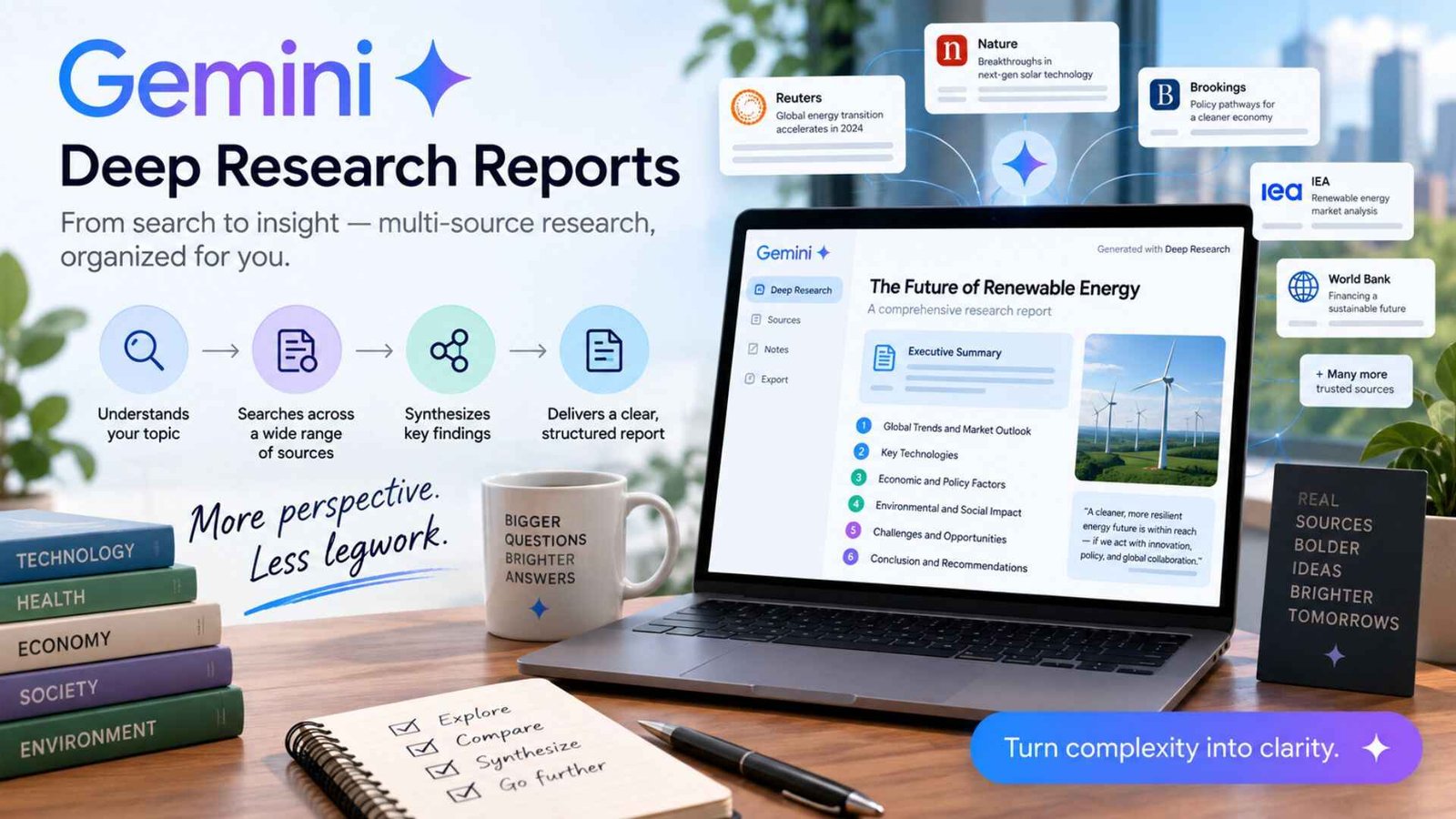
For anyone doing serious information gathering, Gemini research capabilities — often branded as Deep Research — generate structured, multi-source reports on a given topic, pulling from a broad range of sources and organizing findings into a coherent summary rather than requiring you to manually visit and synthesize dozens of individual search results yourself.
For creative use cases, Gemini story generation covers everything from short creative writing to longer narrative assistance, useful for brainstorming or drafting fiction. On the technical side, Gemini building refers to using Gemini for software development and coding tasks — a use case Google has invested in heavily, with Flash-tier models specifically tuned for agentic coding and terminal-based development work in 2026.
Gemini planner functionality helps organize tasks, schedules, and multi-step plans, leveraging Gemini’s integration with Google Calendar and other Workspace tools to turn a request into an actual structured plan rather than just a text description of one.
A specific but common search cluster covers Gemini student verification, Gemini verify, and Gemini verification code — all related to identity or eligibility verification processes, commonly used for student discount programs or account security confirmation. If you’re prompted for a verification code, it’s typically sent via email or SMS as a standard security measure to confirm account ownership before granting access to a discounted plan or sensitive account action.
Interest in Google Gemini 4 has grown throughout 2026 as Google continued rapidly iterating through the Gemini 3 family. As of current information, Google has confirmed that work has begun on next-generation development following the Gemini 3.5 series, though no confirmed release date or feature set has been officially announced. Given how quickly naming and capabilities shifted throughout the Gemini 3 generation, it’s worth checking Google’s official announcements directly for the latest confirmed details rather than relying on speculation.
What works well:
Where it falls short:
Coming back to the core question, Gemini in 2026 is genuinely good for a wide range of tasks — multimodal analysis, creative writing, coding assistance, deep research, and image and video generation — with its integration into Google’s broader ecosystem being the feature that sets it apart most clearly from standalone competitors. For anyone already using Gmail, Docs, and Google Search daily, that native integration alone makes Gemini worth trying before looking elsewhere.
Its biggest advantage is native integration with Gmail, Docs, and Google Search, plus strong multimodal capabilities across text, image, audio, and video within the same conversation.
Google AI Ultra, the top consumer tier unlocking Deep Think and the highest usage quotas, was cut from $249.99 to a starting price around $99.99/month in 2026.
Yes — newer Gemini models support both image-to-video animation and direct text-to-video generation, with video typically billed per second of output on the developer side.
It’s genuinely useful — the free tier includes a fast default model, limited daily access to the flagship Pro model, image generation, voice mode, and Deep Research reports at no cost.