

If you’ve spent any time researching landing page builder reviews, you already know Unbounce comes up constantly. It’s one of the oldest names in the space, and it built its reputation long before “AI” became a buzzword every SaaS company slapped on their homepage. But an old reputation doesn’t always mean it’s still the right pick for your budget, your traffic, or your team size in 2026.
I’ve spent the last few weeks digging into the unbounce landing page builder, comparing it against a handful of competitors, and pulling apart what you actually get at each pricing tier. This unbounce review breaks down everything: the editor itself, what unbounce pages look like out of the box, real unbounce pricing numbers, and whether it genuinely helps with something every marketer obsesses over — how to lower bounce rate on a page that’s bleeding traffic.
Let’s get into it.
Unbounce is a standalone landing page builder aimed at marketers running paid campaigns — think Google Ads, Facebook Ads, or affiliate traffic — who need a page that converts without waiting on a developer. You’re not building a full website here. You’re building single, focused pages designed to do one job: turn a visitor into a lead or a sale.
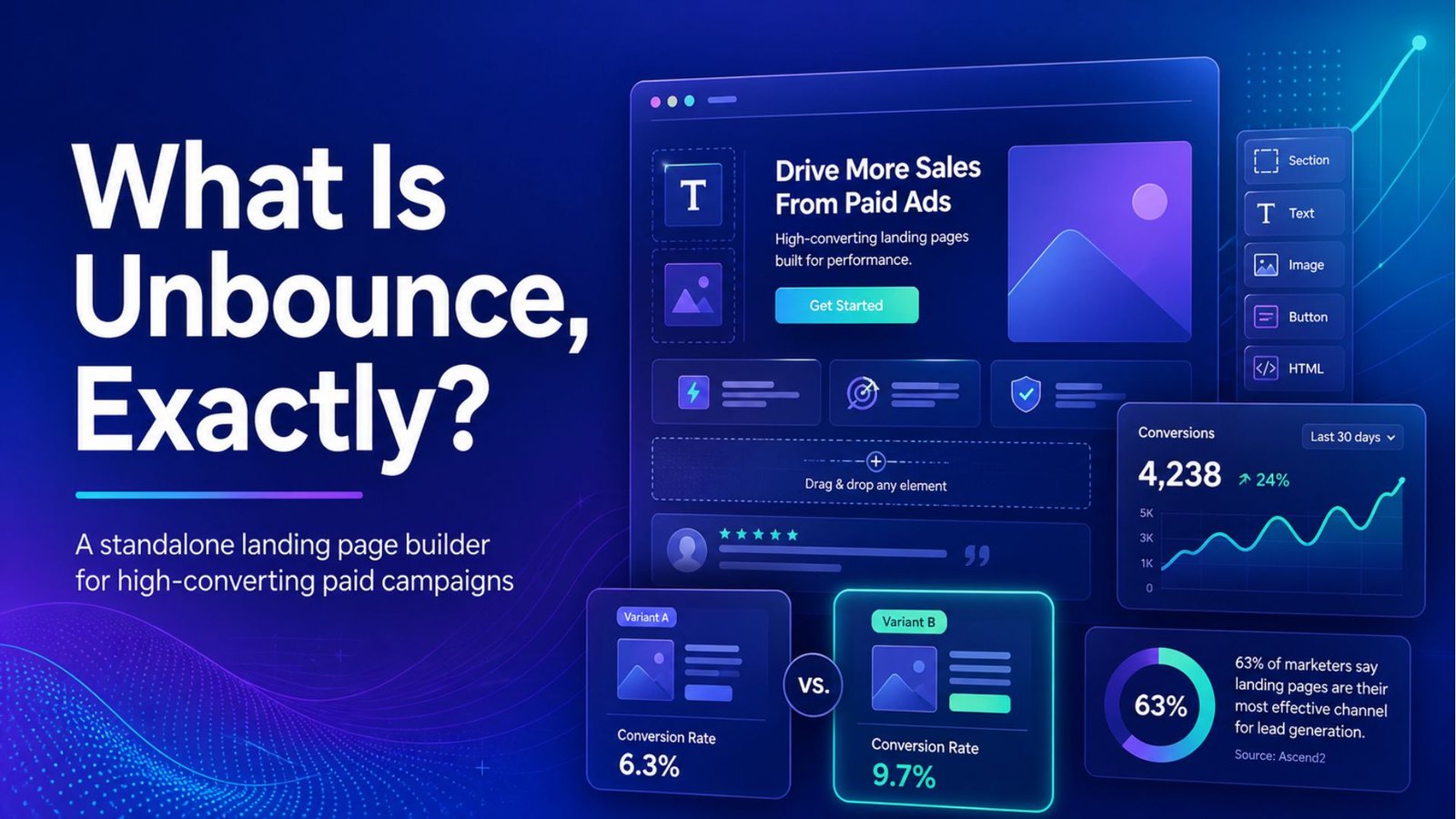
What separates Unbounce from a plain drag-and-drop site builder is its optimization layer. It’s not just “make a pretty page.” It’s “make a page, then let the platform tell you which version converts better.” That distinction matters a lot once you start comparing it to the rest of the best landing page builders on the market.
The page builder itself uses a drag-and-drop canvas, and you don’t need to touch a line of code to launch something that looks professional. That said, if you or your dev team want to get into the weeds, Unbounce does give you access to custom CSS and JavaScript, which a lot of “no-code” tools quietly lock away.
A few things stood out to me while testing unbounce pages:
None of this is unique to Unbounce anymore — most of the best landing page builders offer something similar — but the execution here is polished, and the editor doesn’t feel like it’s fighting you.
This is where a lot of reviews get vague, so let’s just lay out the numbers as they stand right now.
Unbounce runs on four main tiers — Build, Experiment, Optimize, and Concierge:
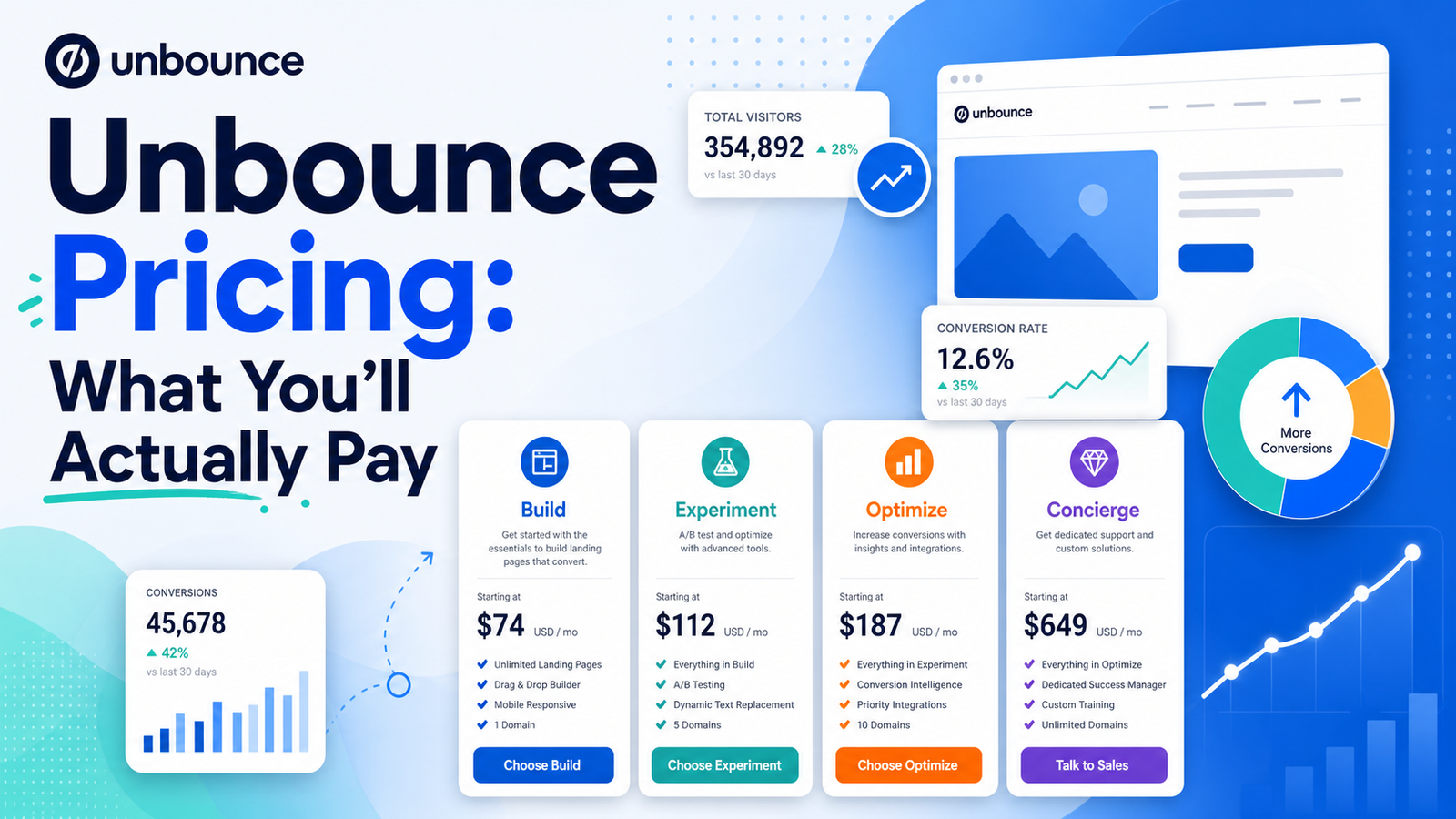
All plans include a 14-day free trial, and annual billing knocks off roughly 25% across the board. One thing worth flagging before you commit: visitor limits are metered, and if you go over, you’re billed in blocks for the overage. If your traffic fluctuates — say you’re running seasonal campaigns — keep an eye on that, because it’s an easy way for your bill to creep up without warning.
Compared to some of the newer best landing page builders on the market, Unbounce isn’t the cheapest option anymore. A few competitors now bundle A/B testing into their entry tier or skip visitor caps entirely. But you’re also paying for a decade-plus of conversion data behind that Smart Traffic algorithm, which isn’t something a newer platform can replicate overnight.
Since this is usually the actual business problem people are trying to solve, let’s talk about it directly: how to improve bounce rate using a tool like this.
A high bounce rate on a landing page almost always comes down to one of three things — the page loads slowly, the message doesn’t match what the visitor expected, or the page just isn’t convincing enough to keep someone scrolling. Unbounce attacks all three angles, to varying degrees:
None of this is magic — a badly written offer will still bounce, no matter how well-optimized the page is technically. But if your bounce rate problem is structural (slow load, weak headline match, no testing infrastructure), Unbounce genuinely helps close that gap faster than building and testing pages manually.
No unbounce review is complete without putting it next to its closest competitors, since that’s usually the real decision point.
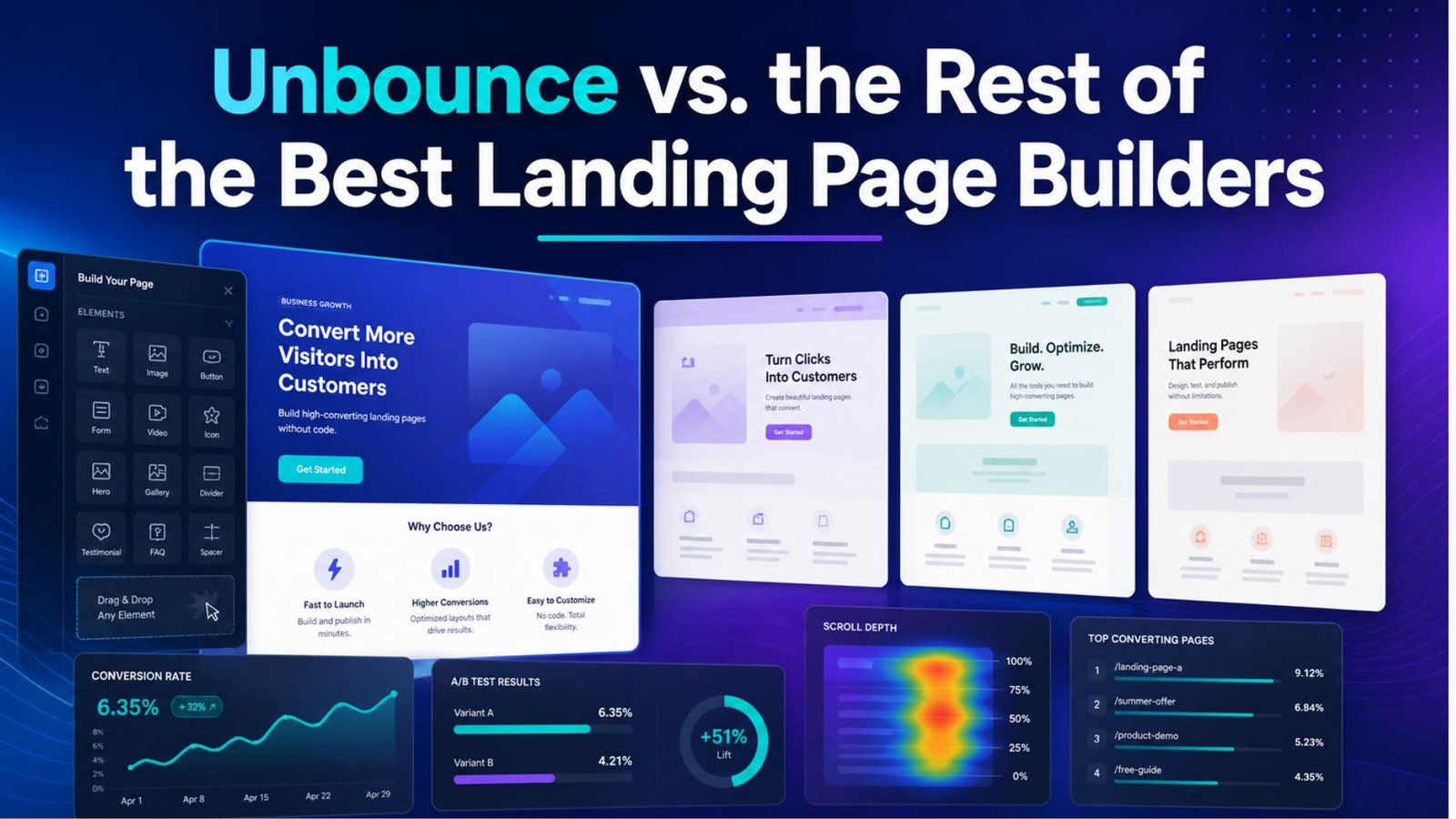
The honest takeaway: Unbounce isn’t automatically the “best” pick in every scenario anymore — the market’s gotten more competitive — but it’s still one of the most well-rounded options if conversion optimization is your main priority.
What I liked:
What held it back:
If you’re running paid ad campaigns with a real budget behind them — say $5,000 or more a month — the math on the Optimize plan tends to work out. A conversion lift from Smart Traffic on that kind of spend usually outweighs the extra cost over the Build plan pretty quickly.
If you’re a solo marketer or small business just testing the waters with your first few landing pages, you might find the entry tier limiting, especially without A/B testing included. In that case, it’s worth comparing it against a few other best landing page builders before committing your budget.
Unbounce has earned its reputation, and for teams that live and die by conversion rate, Smart Traffic alone can justify the price tag. It’s not the cheapest tool in this category anymore, and the pricing structure rewards bigger budgets more than it does someone just starting out. But if you need a landing page builder that actually helps answer the question of how to improve bounce rate — not just build a nice-looking page — it’s still one of the strongest options out there in 2026.
Is Unbounce good for beginners? It’s usable for beginners thanks to the drag-and-drop editor, but the real value of the platform — Smart Traffic and A/B testing — sits on the higher-priced plans. Beginners on a tight budget may find themselves paying for features they can’t access yet.
How much does Unbounce cost per month? Pricing runs from roughly $99/month on the Build plan up to $249/month on the Optimize plan, with a custom Concierge tier above that for agencies. Annual billing cuts the cost by about 25%.
Does Unbounce help lower bounce rate? Yes, largely through faster page load times, dynamic text replacement for better message match, and automated traffic routing to the best-performing page variant — all of which address common causes of high bounce rates.
What’s the best alternative to Unbounce? It depends on your priority. Leadpages is a solid pick if budget and unlimited traffic matter most, while Instapage is worth a look for teams that need heavier collaboration features built in.