

Anyone comparing landing page builders eventually runs into the same debate: Leadpages versus the pricier, feature-heavy platforms like Unbounce and Instapage. This leadpages review digs into what you actually get for the money, how it stacks up against instapage on the features that matter for lead generation, and whether it’s still the smartest pick for businesses that don’t want to overpay for tools they won’t use.
Leadpages is a landing page and lead-capture platform built around a simple pitch: give marketers a fast, affordable way to launch pages, popups, and alert bars without needing a developer or a massive marketing budget. It’s been a mainstay in this category for years, and its reputation is built less on flashy AI features and more on straightforward value — unlimited pages and traffic even on its lower tiers, something several competitors still gate behind higher pricing.
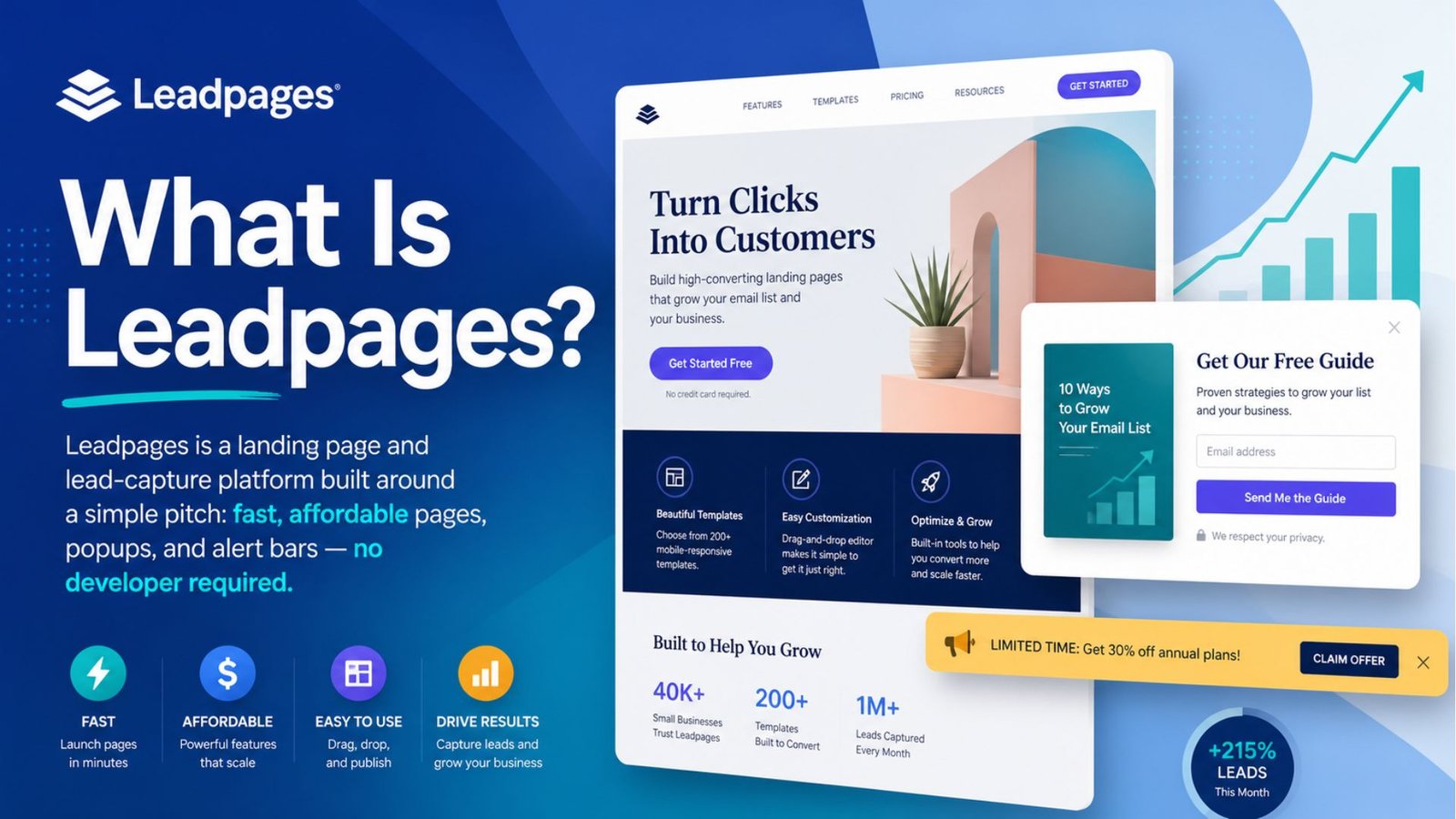
Unlike some builders that feel geared toward big agencies running six-figure ad budgets, Leadpages has consistently positioned itself toward solo marketers, small businesses, and course creators who need professional-looking pages without an enterprise price tag.
One of Leadpages’ strongest selling points is its template library. Leadpages templates cover a wide range of use cases — webinar registrations, lead magnets, sales pages, thank-you pages — and nearly all of them are mobile-responsive by default, which matters given how much traffic now arrives on phones.
The drag-and-drop editor is intentionally simple. You won’t get the granular custom-code control that platforms like Instapage offer, but you also won’t spend twenty minutes fighting with alignment settings just to move a button three pixels to the left. For most small business owners and solo marketers, that trade-off — less flexibility in exchange for speed — is worth it. If you’re the kind of user who wants full CSS access and pixel-level control, you’ll likely find Leadpages’ editor a bit restrictive by comparison.
Since pricing is usually the deciding factor, let’s answer how much does a landing page cost with Leadpages specifically, because this is genuinely one of the platform’s biggest advantages.
Leadpages currently runs three tiers under its 2026 naming: Grow, Optimize, and Scale. The Grow plan costs $49/month (or $37/month billed annually) and includes unlimited landing pages, unlimited traffic, unlimited leads, one custom domain, and access to the full template library, along with popup and alert bar builders and more than 40 standard integrations. What it doesn’t include is A/B testing — a meaningful gap if conversion optimization is part of your strategy from day one.
The Optimize plan, at $99/month (or $74/month annually), is where Leadpages gets genuinely competitive with pricier tools. This tier adds unlimited A/B split testing, heatmaps, auto-personalization, and deeper CRM integrations — features that on Unbounce or Instapage typically require jumping to a 149–249/month tier. That gap is the single strongest argument for choosing Leadpages over its bigger-name competitors: you’re getting conversion-optimization tools at roughly half the price other platforms charge for the same capability.
The Scale plan runs $399/month and is built for agencies managing multiple client accounts, with expanded sub-account support and priority service. Most solo marketers and small businesses will never need to go beyond Optimize.
There’s no permanent free plan, but a free trial lets you test the builder before committing your card. One thing worth noting: team member seats beyond the first user typically carry an added per-seat fee across all plans, so factor that in if you’re bringing on collaborators.
If your goal is specifically building a lead generation landing page — not a sales page, not a general marketing page, but something purpose-built to capture emails or contact info — Leadpages is arguably one of the strongest tools in this category for the price, and it’s worth understanding exactly why.
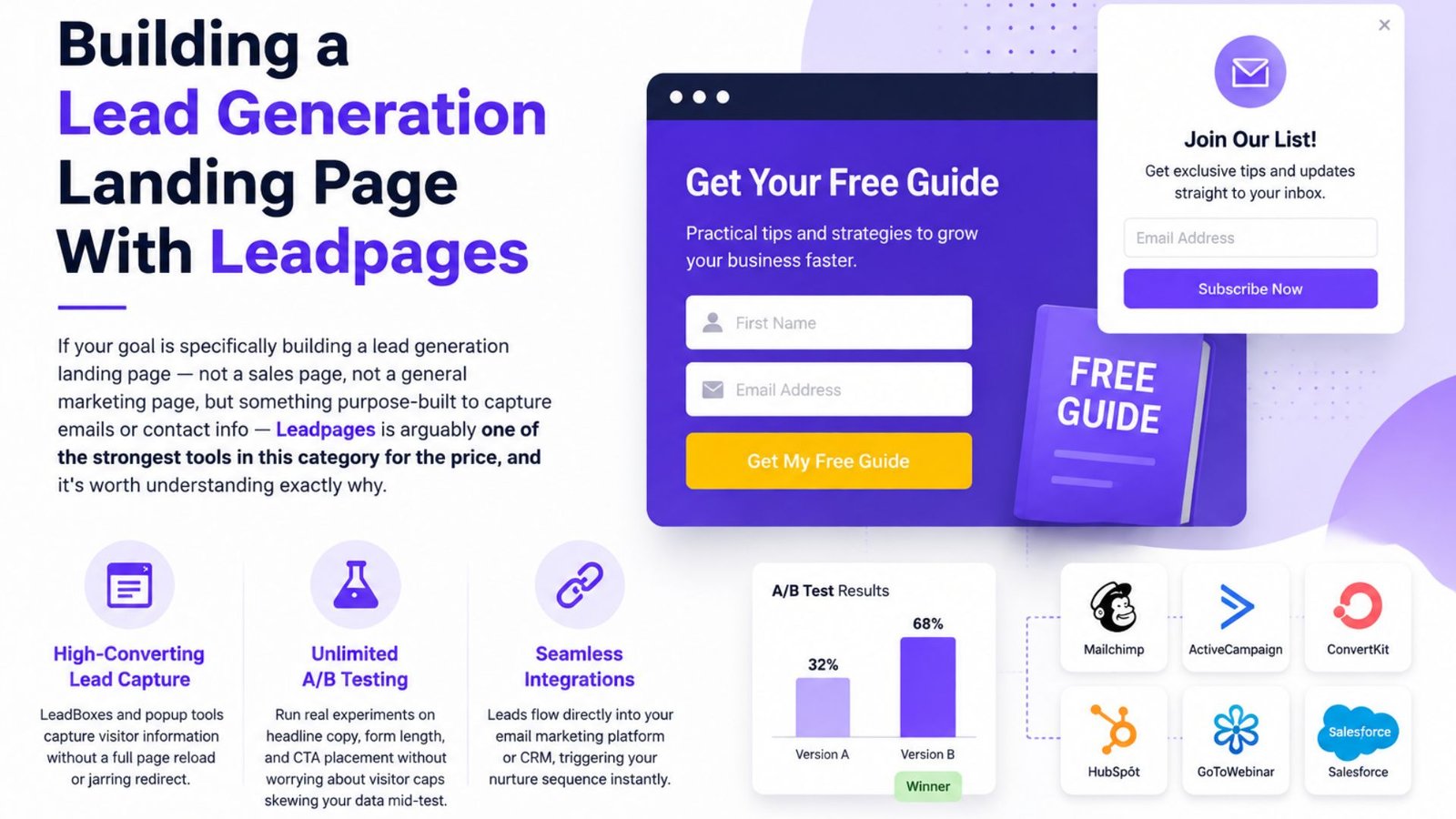
The platform’s LeadBoxes and popup tools were built from the ground up for exactly this job: capturing a visitor’s information without requiring a full page reload or a jarring redirect. Combined with unlimited A/B testing on the Optimize plan, you can run real experiments on headline copy, form length, and CTA placement without worrying about hitting a visitor cap that throws off your data mid-test — a real risk on platforms that meter traffic by the thousand.
Leadpages also integrates directly with major email marketing platforms and CRMs, so captured leads flow immediately into your existing nurture sequence rather than sitting in an export file waiting to be manually uploaded. For anyone running consistent lead-gen campaigns — webinar signups, free guide downloads, consultation bookings — that direct pipeline from form submission to email sequence is often more valuable day-to-day than any single design feature.
Knowing how to optimize a landing page for lead generation matters more than which tool you use, since even the best builder won’t fix a page with the wrong fundamentals. A few principles hold up regardless of platform:
A well-optimized page still needs visitors, so it’s worth touching on how to drive traffic to landing page offers built through Leadpages or any similar tool. Paid social and search ads remain the most direct route, since you control exactly who sees the page and can match your ad copy to your landing page headline for a smoother experience. Email campaigns to an existing list are typically the highest-converting traffic source, since that audience already trusts you. Organic content — blog posts, SEO-optimized guides, or consistent social posting — takes longer to build but produces a steady stream of free traffic once it gains momentum. Retargeting visitors who bounced without converting the first time is also worth setting up early, since that audience is already warmed up and typically converts at a much higher rate than cold traffic.
No instapage review comparison would be complete without putting the two head-to-head, since they’re frequently cross-shopped by the same buyers.
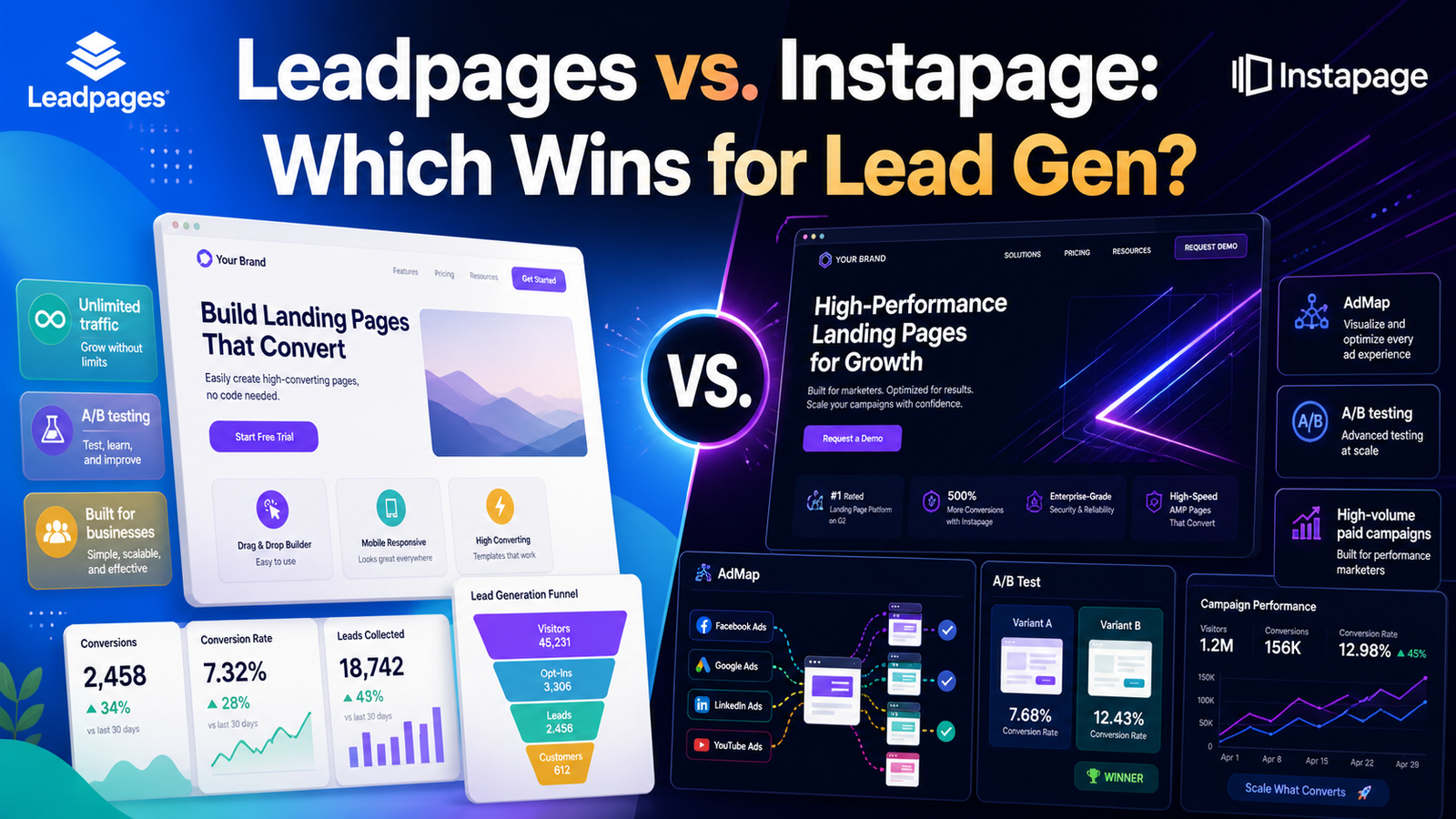
What is Instapage, in short: a landing page platform built more toward performance marketers running heavier paid ad campaigns, with a signature feature called AdMap that visually connects ad campaigns to specific page variants. As an instapage landing page builder, it offers strong server-side A/B testing and deep ad personalization — but that comes at a real premium. Instapage’s entry plan starts around $99/month for just 15,000 visitors and doesn’t include A/B testing until you reach its $199/month tier. Leadpages, by comparison, includes unlimited traffic on every plan and unlocks A/B testing at that same $99/month price point — a meaningfully better deal for anyone not specifically needing Instapage’s ad-mapping tools.
The honest breakdown: Instapage wins if you’re running high-volume paid campaigns across dozens of ad variations and need granular ad-to-page tracking. Leadpages wins for nearly everyone else — solo marketers, small businesses, and course creators who want unlimited traffic and real testing tools without paying enterprise-level prices for features they won’t fully use.
Looking across the strongest examples of best lead generation landing pages, a few patterns show up consistently regardless of which builder was used: a single, benefit-driven headline above the fold, social proof (testimonials, client logos, or user counts) placed close to the form rather than buried at the bottom, and a CTA button that describes the specific action rather than a generic “Submit.” Pages that follow this formula consistently outperform cluttered pages trying to communicate too many messages at once — a pattern that holds true whether you’re building on Leadpages, Instapage, or any other platform.
What Leadpages does well:
Where it falls short:
For businesses focused on lead generation without an enterprise ad budget, Leadpages remains one of the strongest value plays in this category in 2026. Unlimited traffic and real A/B testing at $99/month is difficult to match, and the template library covers most common use cases without a steep learning curve. If your priority is deep ad personalization and you’re running high-volume paid campaigns, Instapage may still be worth the premium — but for everyone else, Leadpages earns its reputation as the practical, budget-conscious choice.
How much does Leadpages cost per month? Plans start at $49/month (Grow) for unlimited pages and traffic without A/B testing, move to $99/month (Optimize) for unlimited testing and heatmaps, and reach $399/month (Scale) for agency-level features.
Is Leadpages good for lead generation specifically? Yes — its popup tools, unlimited traffic, and direct email/CRM integrations make it one of the stronger budget-friendly options for building a dedicated lead generation landing page.
Is Leadpages better than Instapage? It depends on your needs. Leadpages offers unlimited traffic and A/B testing at a lower price, making it better value for most small businesses, while Instapage’s ad-mapping tools suit high-volume paid advertisers who need deeper campaign personalization.
Do Leadpages templates work well on mobile? Yes, the vast majority of templates in the library are built mobile-responsive by default, which matters given how much landing page traffic now arrives from phones.