

Grammarly has been around long enough that most people already have an opinion about it — usually formed years ago, before the tool added generative AI, tone detection, and a genuinely capable free plan. This review answers is Grammarly worth it for how people actually write in 2026, based on current pricing, real user sentiment, and a side-by-side look at what’s changed.
Short version: for anyone who writes daily — emails, reports, client messages — yes, it’s worth it. For occasional writers, the free plan alone might already be enough.
Grammarly is a writing assistant that works as a browser extension, desktop app, and mobile keyboard, checking grammar, spelling, tone, and clarity in real time across nearly every app you type in — Gmail, Google Docs, Microsoft Word, Slack, LinkedIn, and reportedly over 500,000 other apps and websites. In 2026, it’s used by more than 40 million people daily and trusted by over 50,000 organizations, which puts it firmly in the category of tools most professionals have at least tried once.
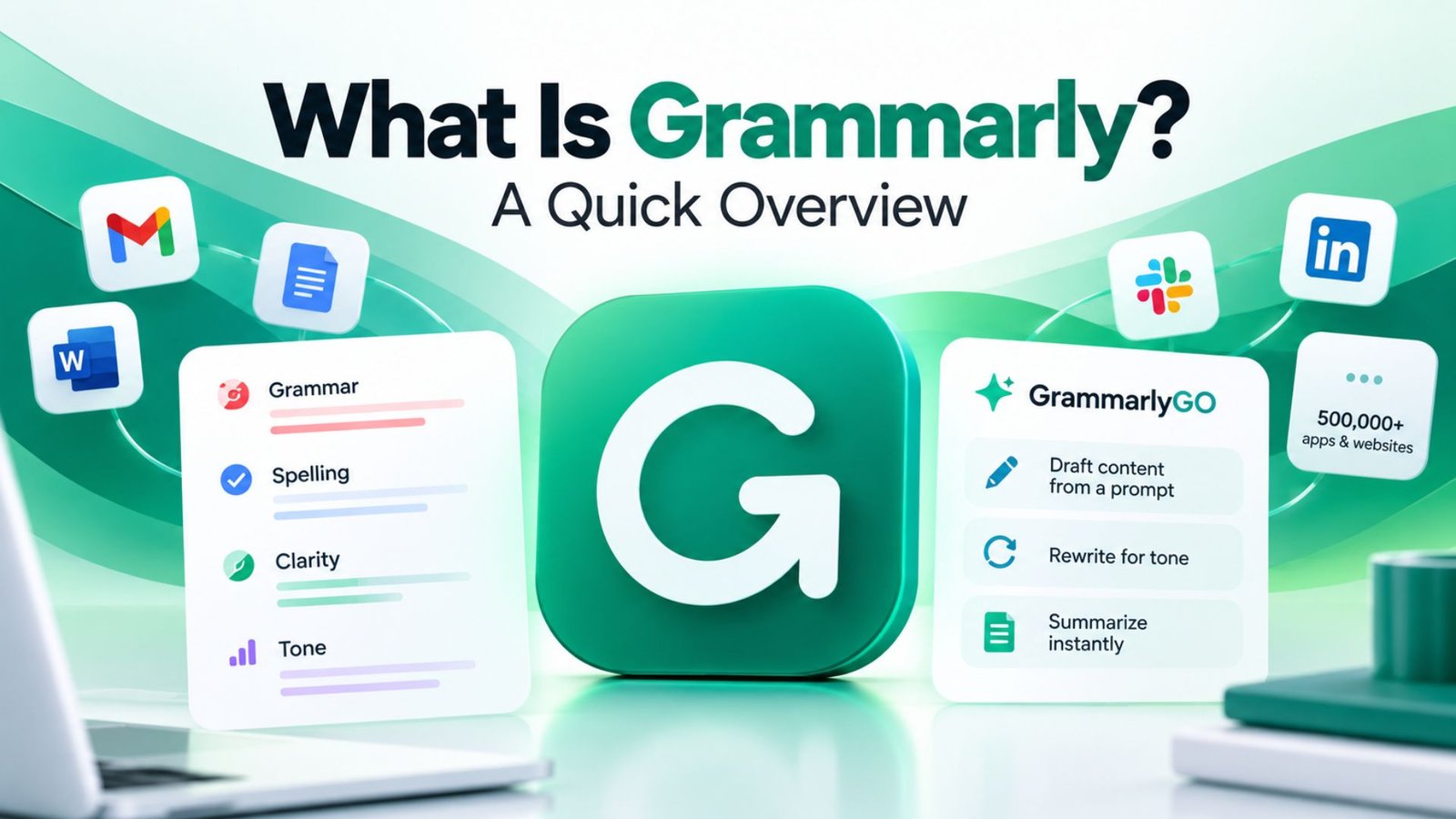
What’s changed most in recent years is the addition of GrammarlyGO, its generative AI layer that can draft content from a prompt, rewrite for tone, or summarize a long email thread instantly — moving Grammarly from a pure error-checker into something closer to a full writing assistant.
Before deciding whether to pay for anything, it’s worth checking whether is Grammarly good holds up under real scrutiny rather than just marketing claims. Current Grammarly premium reviews on G2 put the product at 4.7 out of 5 stars across nearly 13,000 reviews as of the Winter 2026 Grid Report — a genuinely strong, consistent rating for a tool used this widely.
The sentiment across reviews tends to focus on time saved rather than any single flashy feature. Professionals managing high email volumes or coaching junior writers report cutting review time significantly once Grammarly became part of their daily workflow. That’s a meaningfully different kind of praise than “it caught a typo” — it points to Grammarly changing how people work, not just cleaning up their prose.
This is really the question most people are actually trying to answer when they search anything Grammarly-related, so let’s not dance around it. Is Grammarly worth it comes down to one factor more than any other — how often you actually write, not how good or bad a writer you already are. Someone sending three client emails a day, drafting weekly reports, or managing a content calendar is going to feel the value almost immediately, because the tool is quietly catching things a tired brain misses at 4pm on a Thursday — a wrong tone in a client email, a run-on sentence in a report nobody has time to reread twice, a word choice that sounds harsher than intended. None of that is dramatic on its own, but it adds up fast when you’re writing all day, every day.
Where the math gets murkier is for someone who writes casually — the occasional personal email, a comment here and there, nothing high-stakes. For that person, the free plan honestly does most of the job already, and paying for Pro is probably solving a problem they don’t really have yet. The mistake a lot of people make is judging Grammarly by their own writing skill instead of their writing volume. A genuinely strong writer who’s producing content constantly still benefits, not because they need corrections, but because a second pass — even an automated one — catches the small slips that happen simply from writing fast and writing a lot. A weaker writer who barely writes at all, meanwhile, might get more value from slowing down and learning the rules directly than from a tool quietly fixing things behind the scenes.
So the honest answer isn’t a flat yes or no — it’s “yes, if writing is a real part of your week,” and “probably not yet, if it isn’t.” That’s not a hedge to avoid committing to an opinion. It’s just how the value actually plays out once you look past the marketing page and into how people actually use it day to day.
Digging deeper into is Grammarly Pro worth it specifically, here’s what separates the tiers. The free plan covers real-time grammar, spelling, and punctuation correction, basic tone detection, and a limited monthly allowance of AI prompts — genuinely capable for casual use, with no credit card required.
Pro, priced at $12/month billed annually (or a steeper $30/month paid monthly), adds full sentence rewrites, advanced clarity suggestions, deeper tone adjustment, a plagiarism checker, and a significantly larger monthly AI prompt allowance. For anyone writing daily and running into the free plan’s limits regularly, $12/month on the annual plan is easy to justify. The monthly rate, however, represents a 150% markup over annual pricing — worth paying only if you need Grammarly for a short, specific stretch rather than ongoing use.
A common point of confusion is how long is Grammarly free trial, since Grammarly doesn’t actually operate on a traditional time-limited trial model the way many SaaS products do. Instead, the free plan is permanent — there’s no countdown clock forcing you to decide within a set window. Pro-tier features can typically be tested through promotional trial periods offered periodically, but the core free tier itself never expires or requires payment information to keep using indefinitely.
For a specific but common use case, is Grammarly helpful for people writing in a second language deserves its own answer. Generally, yes — tone detection and clarity suggestions are particularly useful for non-native speakers who are grammatically correct but unsure how a sentence might land tonally with a native English reader. The AI rewrite features can also suggest more natural phrasing than a strict grammar check alone would catch, since awkward phrasing often isn’t technically “wrong,” just unusual.
That said, it works best as a second pair of eyes rather than a replacement for genuinely learning the language — it corrects output, but it doesn’t teach the underlying grammar rules the way a language course would.
Given how much sensitive business writing runs through the tool, is Grammarly secure for work is a legitimate concern worth addressing directly. Grammarly uses encryption for data in transit and at rest, and Enterprise plans specifically add SSO, SCIM provisioning, and admin-level controls designed for organizations with stricter compliance requirements.
Worth noting: in March 2026, Grammarly faced public criticism after its Expert Review feature briefly attached real writers’ names to AI-generated feedback without their consent. The company apologized and removed the feature. It’s a fair data point to weigh when evaluating trust in the platform, even though it didn’t involve a security breach of user data — it was a transparency and consent issue specific to that one feature, not the core writing-assistant product.
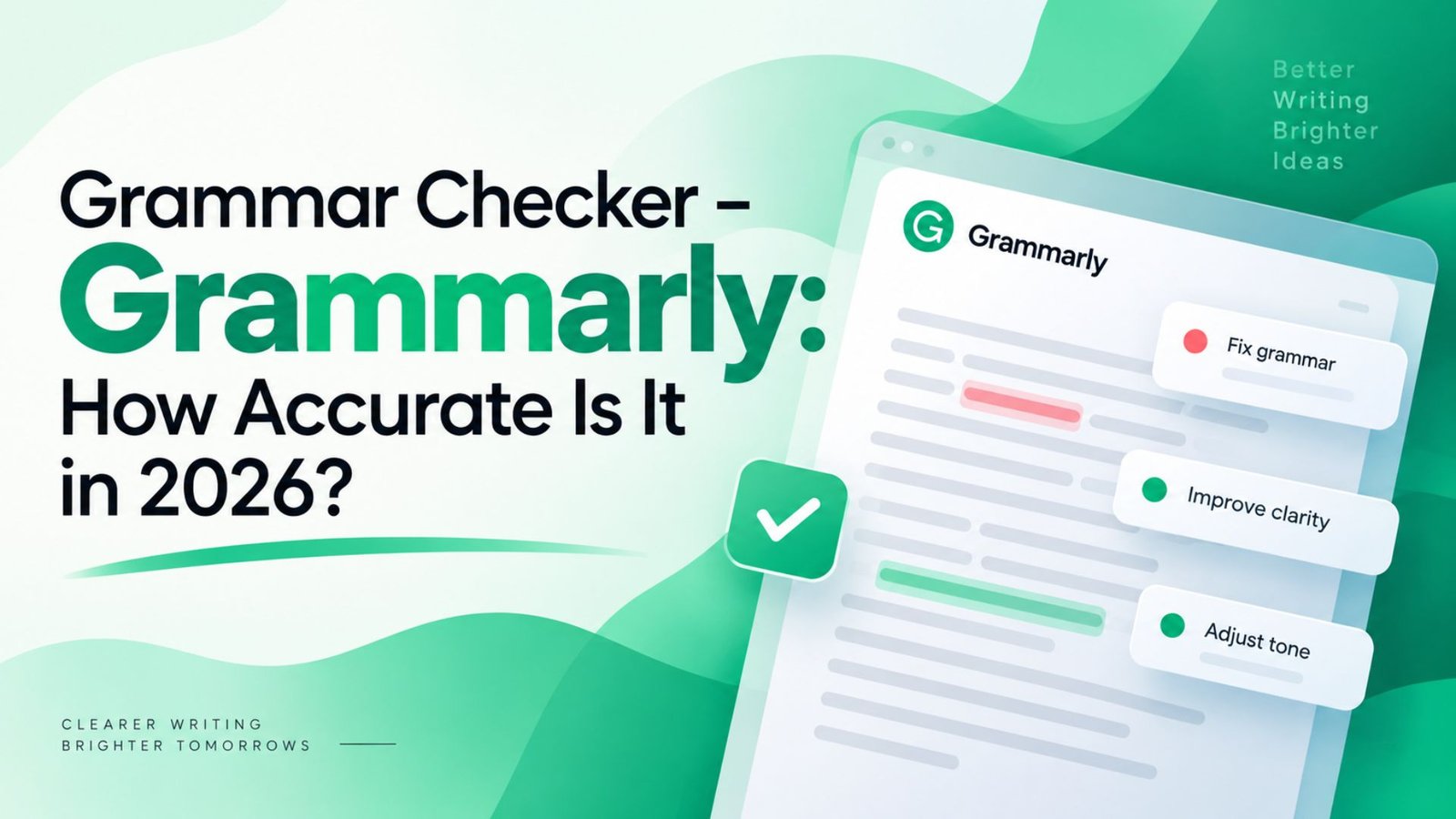
As a core grammar checker, Grammarly’s accuracy remains genuinely strong, and this is really the foundation everything else is built on. Real-time detection of grammar, spelling, and punctuation errors performs reliably across contexts, and the tone detection layer has improved noticeably compared to earlier versions, catching unintended harshness or ambiguity before a message goes out. Where it’s less impressive is highly technical or industry-specific writing, where jargon can occasionally get flagged as an error when it’s actually correct terminology for that field.
Writing with Grammarly: How It Can Fit into Your Process The reason for considering adding Grammarly into your daily process is really about reducing friction. Once the browser extension is installed, it works automatically everywhere you type — no need to copy text into a separate tool, check it, then paste it back. That single detail is why it’s stuck around for over a decade while competitors have come and gone: it removes an entire step from your writing process rather than adding one.
The most common professional pattern in 2026 is pairing Grammarly with a generative AI tool like ChatGPT or Claude: first draft content with the AI assistant then run the final draft through Grammarly to polish grammar, tone, and clarity before publishing. The two tools are addressing different parts of the process rather than competing head-to-head.
If you’re researching extensions like Grammarly, a few names come up consistently. LanguageTool undercuts Grammarly on price (around $4.99/month versus $12) and offers stronger multilingual support, but Grammarly’s English-language writing assistance and team features remain more developed. ProWritingAid appeals more to long-form authors and editors who want deeper stylistic analysis. Jasper AI, meanwhile, isn’t really a direct competitor — it’s built for generating long-form content from scratch, with persistent brand-voice memory that Grammarly’s more session-based AI doesn’t match.
The honest takeaway: Grammarly remains the strongest all-around choice specifically for everyday writing correction and polish, while the alternatives each win in a narrower, specific use case.
For anyone specifically hunting for a Grammarly alternative free option rather than paying for Pro, a few genuinely capable choices exist. LanguageTool’s free tier covers basic grammar and style checking across more languages than Grammarly’s free plan. Microsoft Editor, built into Word and available as a free browser extension, offers a similar baseline grammar check for anyone already inside the Microsoft ecosystem. None of these free alternatives currently match Grammarly’s generative AI capabilities through GrammarlyGO, but for basic proofreading needs, they’re reasonable no-cost substitutes.
Grammarly support is generally responsive for paid subscribers, backed by an extensive self-service help center that resolves most common questions — installation issues, billing questions, feature explanations — without needing to open a ticket at all. For the kind of problems people actually run into day to day, like the extension not loading in a specific browser or a sync issue between the desktop app and the mobile keyboard, the help center’s search function tends to surface an answer faster than waiting on a support reply would anyway.
For anything the self-service articles don’t cover, Pro subscribers can reach a support team directly through the app, and response times generally land within a reasonable window rather than the multi-day wait some free tools leave you with. Free-tier users have access to a more limited support path, mostly routed through the same help center and community resources, which makes sense given the sheer scale of Grammarly’s free user base — a fully staffed support line for tens of millions of free accounts simply isn’t realistic for any company to offer.
Enterprise customers get a noticeably different experience, with dedicated support channels built around the scale and compliance needs that come with larger deployments. A company rolling Grammarly out across hundreds or thousands of seats needs faster escalation paths and account-specific troubleshooting that a general help center can’t really provide, and that’s exactly where Grammarly’s enterprise support tier is meant to close the gap. Admins managing a large rollout also get access to account management support specifically for onboarding, SSO configuration, and policy setup — the kind of technical setup questions that go well beyond what a typical end-user support ticket would ever need to cover.
A frequent search pattern, my Grammarly, usually points to people looking for account management help — adjusting writing goals, managing connected apps, or reviewing their personal dictionary of custom terms. The account dashboard lets you set specific goals for tone, formality, and domain (academic, business, casual) that shape how suggestions are tailored going forward, which is worth revisiting periodically as your writing needs change rather than leaving on default settings indefinitely.
For anyone who writes professionally on a regular basis — emails, reports, client communication, content — Grammarly remains genuinely worth the cost in 2026. The free plan alone covers casual users well, and the $12/month annual Pro plan pays for itself quickly for daily writers through time saved on proofreading and rewriting. Its weaknesses are specific rather than fundamental: it’s not built for long-form content generation, its brand-voice memory resets between sessions, and the monthly billing rate is a real markup to avoid if you can commit annually. For its core job — making everyday writing cleaner, clearer, and more polished — it remains one of the smartest, lowest-friction tools available.
Yes, if you write daily and regularly hit the free plan’s limits. Pro’s full sentence rewrites, plagiarism checker, and larger AI prompt allowance justify the $12/month annual cost for frequent writers.
Grammarly doesn’t run a traditional time-limited trial — its free plan is permanent with no expiration. Pro features are occasionally available through separate promotional trial periods.
Generally yes, with encryption and Enterprise-level admin controls available. It’s worth knowing about the March 2026 Expert Review controversy, though that was a consent and transparency issue specific to one feature, not a data security breach.
LanguageTool’s free tier and Microsoft Editor both offer solid basic grammar checking at no cost, though neither currently matches Grammarly’s generative AI features.