

Getting stuck at the ExpressVPN login screen, or just trying to figure out whether the free trial is worth activating before you commit? You’re not alone — login and setup questions are some of the most common things people search before actually using a VPN.
I put this guide together to walk through exactly that: how to log in, install on different devices, activate a trial, and what to do if something isn’t working the way it should.
Logging into ExpressVPN is simpler than most first-time users expect, but a few steps trip people up regularly.
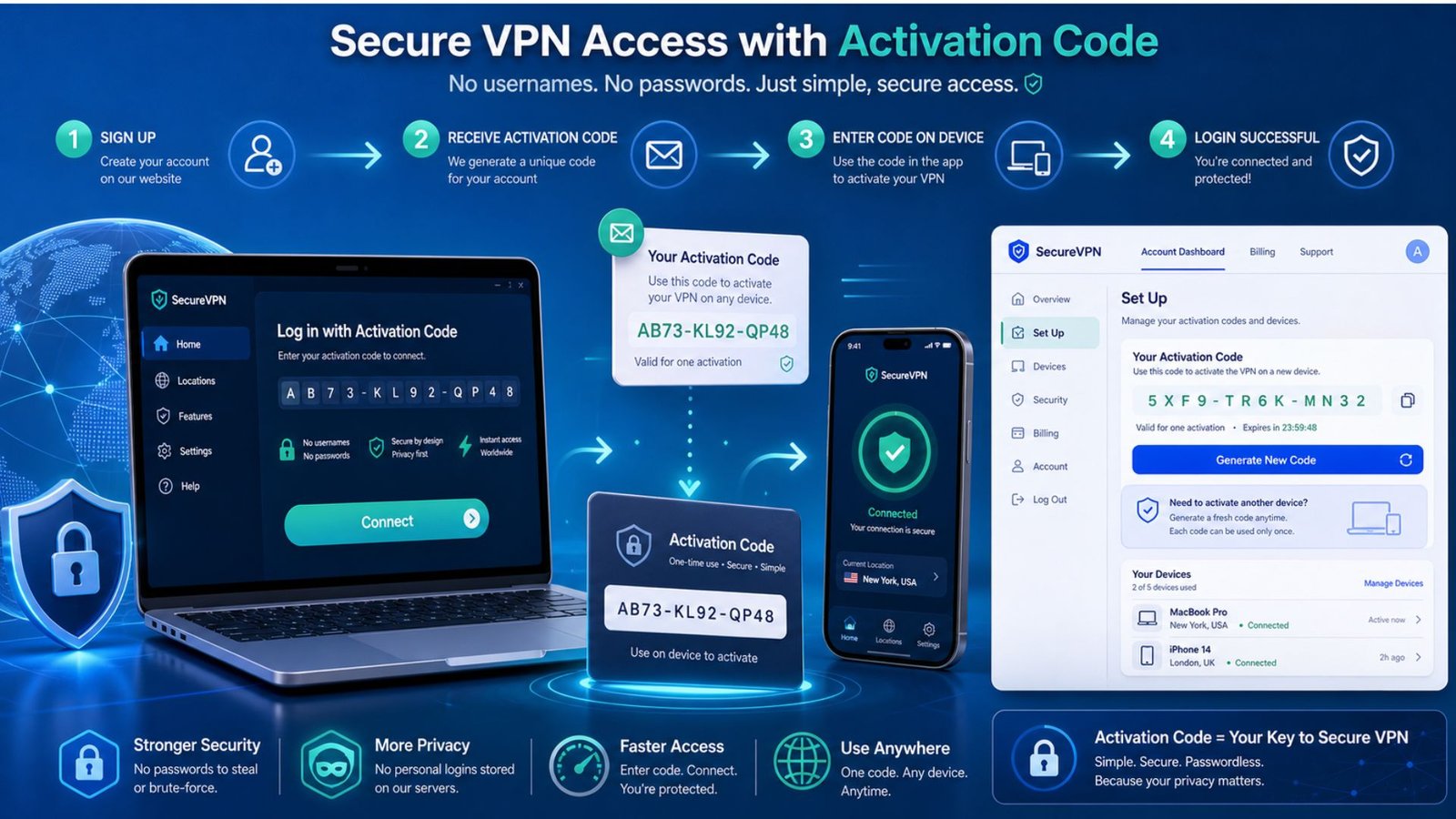
Once you’ve signed up for a plan, you’ll receive an activation code tied to your account. That code — not a traditional username and password combo in most cases — is what you’ll enter when you first open the app on any device.
If you’re logging in on a new device later, you can find your activation code by signing into your ExpressVPN account dashboard on the website, under the “Set Up ExpressVPN” section.
A common login hiccup happens when people try to reuse an old activation code after resetting their password. If that happens, generating a fresh code from your dashboard almost always resolves it.
Wondering about the ExpressVPN free trial before handing over payment details? Here’s the honest breakdown.
ExpressVPN doesn’t advertise a traditional free-forever trial the way some competitors do. Instead, it offers a genuinely generous alternative: every paid plan comes backed by a 30-day money-back guarantee, which functions as a full-featured trial in practice.
On mobile specifically, there’s also a short free trial window available through the iOS and Android apps that covers the complete feature set without requiring card details upfront — a setup that’s rarer than it sounds in this industry.
That means you can test real-world performance, streaming access, and speeds for a full month, and if it’s not the right fit, cancel for a full refund with no real commitment risk.
The phrase ExpressVPN 30 day trial usually refers to that same money-back guarantee rather than a separate trial product, and it’s worth understanding exactly how it functions.
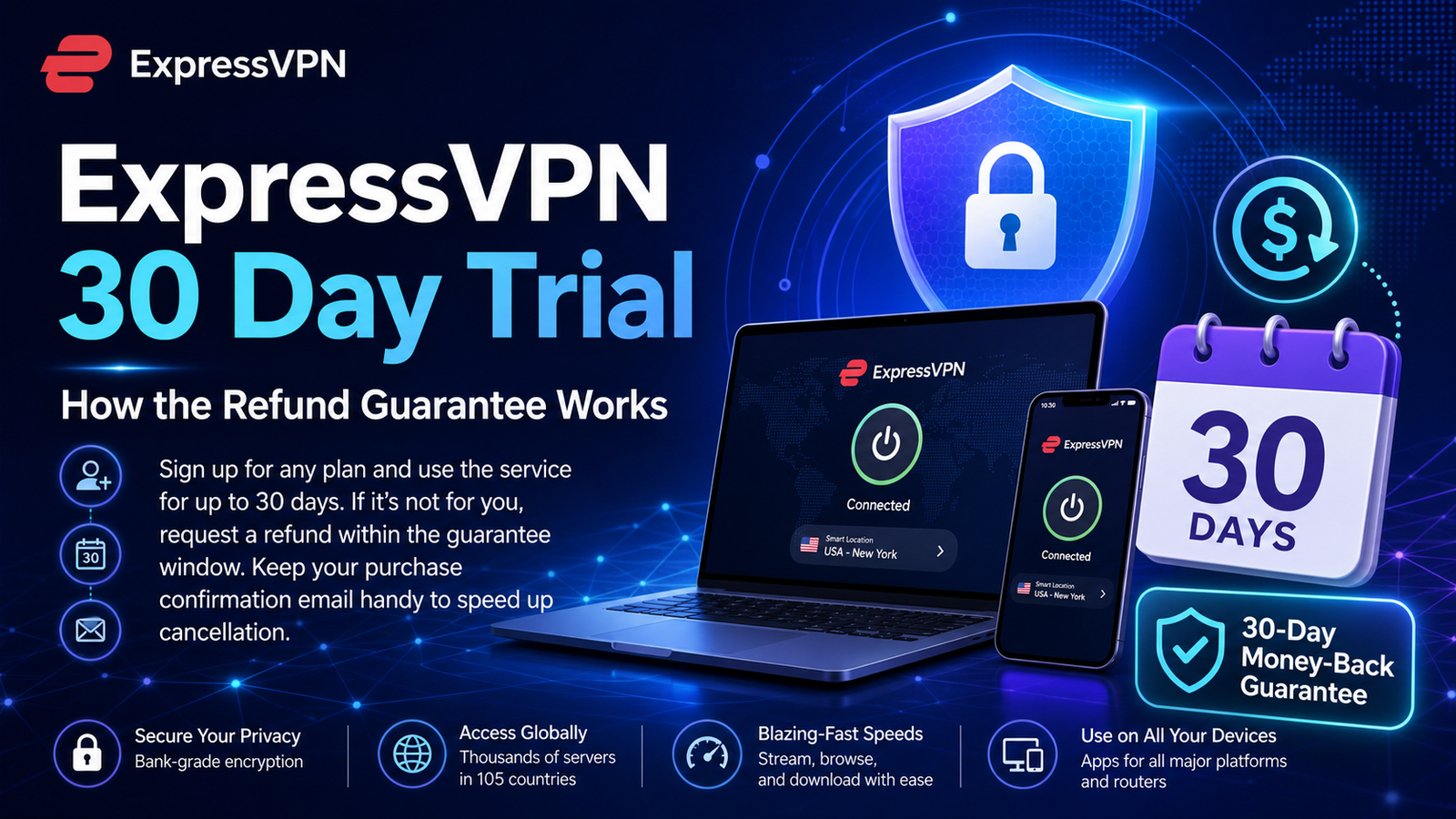
You sign up for any plan — monthly, annual, or the longer discounted terms — and use the service fully for up to 30 days. If you decide it’s not for you, ExpressVPN processes refunds without requiring extensive justification, based on their published policy and consistent user reports.
One practical tip: keep your original purchase confirmation email handy. It speeds up the refund process significantly if you do decide to cancel within the window.
If you’re comparing ExpressVPN deals before subscribing, pricing generally scales with commitment length.
The longer plans — typically 24 to 28 months with bonus free months included — bring the effective monthly cost down significantly compared to paying month to month. Shorter-term plans cost more per month but offer more flexibility if you’re not ready to commit long-term.
It’s worth checking the official pricing page directly before buying, since promotional deals shift throughout the year and the advertised rate at signup isn’t always the renewal rate later.
Wondering how to install ExpressVPN on Firestick? The process is more straightforward than people expect, even without prior streaming-device experience.
If ExpressVPN doesn’t appear in your Firestick’s Amazon Appstore search, sideloading through a file manager app is the standard workaround, though the official Appstore method is simpler for most users.
ExpressVPN for Firefox works differently from the full app — it’s a browser extension rather than a system-wide VPN client.
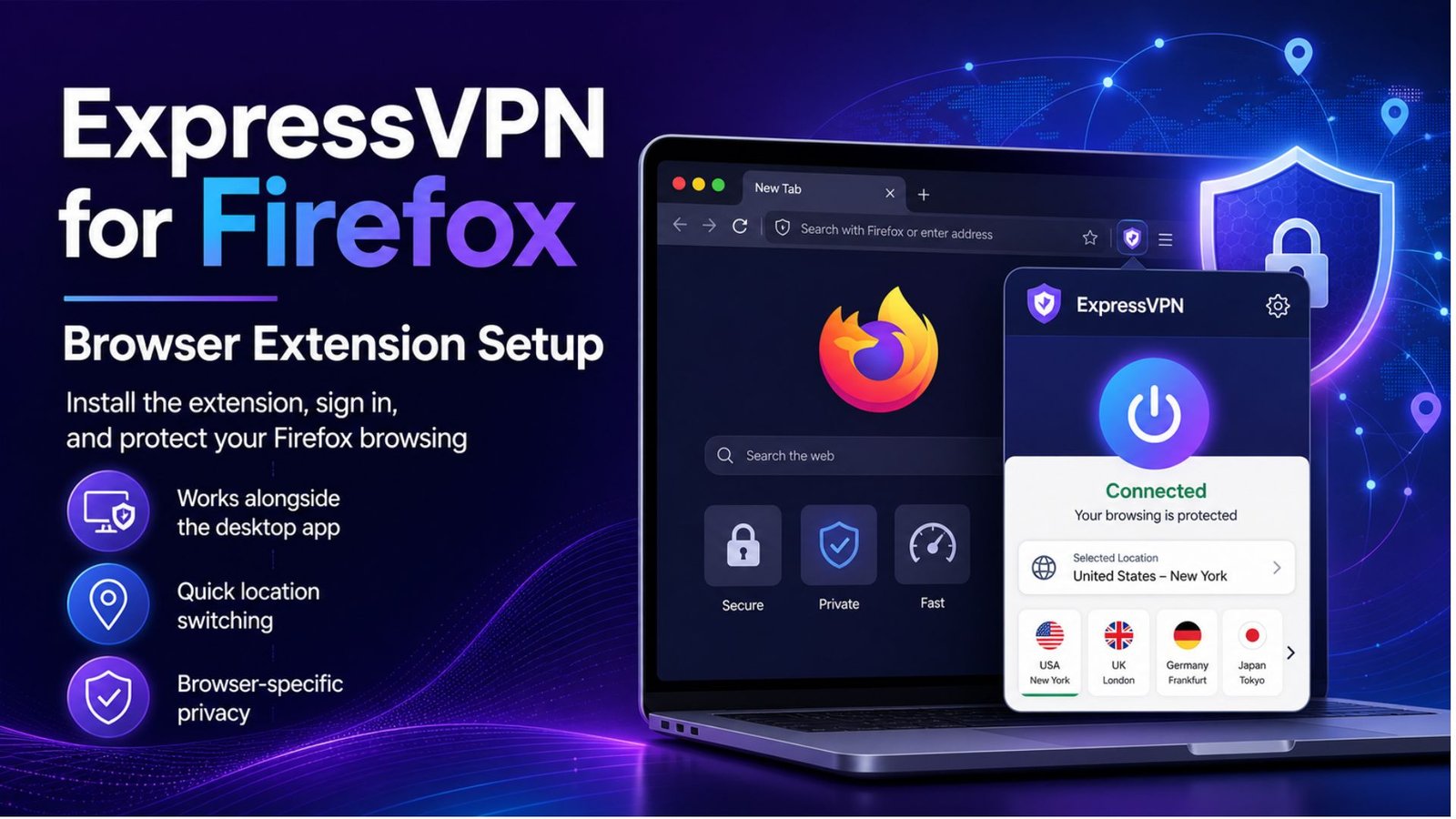
The extension is designed to work alongside the desktop app, giving you quick access to change locations or toggle protection without opening a separate window. It’s useful for browser-specific privacy, though it won’t protect traffic outside of Firefox unless the full app is also running.
To set it up, install the extension from the Firefox Add-ons store, then sign in using the same account credentials tied to your subscription.
This is one of the most frequently asked security questions, and it deserves a direct answer: does ExpressVPN keep logs?
No — ExpressVPN operates under a strict no-logs policy, and unlike many providers that simply claim this, ExpressVPN’s policy has been independently audited multiple times by third-party security firms.
Its TrustedServer technology runs on RAM-only servers, meaning data is wiped completely every time a server restarts, rather than being written to a hard drive where it could theoretically persist.
If you want to confirm your ExpressVPN status — whether you’re actually connected and protected — the app displays this clearly on its main screen, showing your current server location and connection time.
For extra confirmation, ExpressVPN’s built-in IP checker tool lets you verify your visible IP address matches the VPN server rather than your real location, which is a quick way to confirm the connection is working correctly before doing anything sensitive online.
Getting set up with ExpressVPN — from login to Firestick installation to understanding the trial and refund policy — is genuinely more beginner-friendly than most VPNs on the market, even when a step or two isn’t immediately obvious. The 30-day money-back guarantee removes most of the risk of trying it, and the independently audited no-logs policy gives real substance behind the privacy claims.
For anyone weighing whether to commit, using the full trial window to test login, streaming, and Firestick performance on your own setup is the most reliable way to decide.
ExpressVPN doesn’t offer a traditional desktop free trial, but its 30-day money-back guarantee works the same way in practice — you can use the full service and get a refund if it’s not right for you. A short mobile-only free trial is also available through the iOS and Android apps.
You subscribe to any plan, use it fully for up to 30 days, and request a refund if you’re not satisfied. Keeping your purchase confirmation email on hand speeds up the process, and ExpressVPN generally processes these refunds without requiring extensive justification.
Search the Amazon Appstore directly from your Firestick home screen first, since that’s the simplest method. If it doesn’t appear due to regional availability, sideloading through a file manager app is the standard workaround most users rely on.
No, ExpressVPN maintains a strict no-logs policy that has been independently audited multiple times. Its RAM-only TrustedServer infrastructure wipes data completely on every server restart, rather than storing it on traditional hard drives.