What Makes ConvertKit Different From a Typical Email Tool

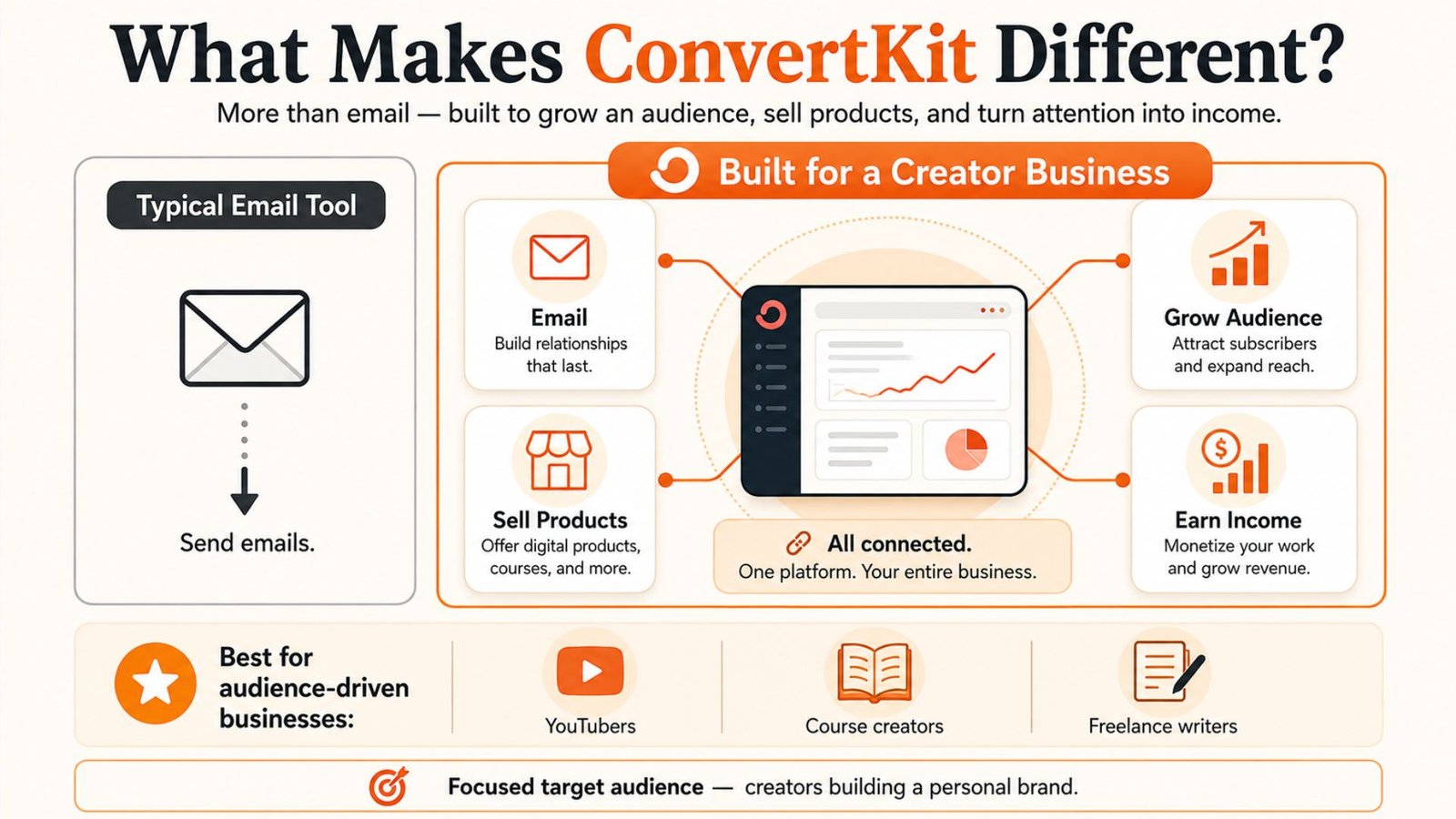
What sets it apart from a typical email tool is that it isn’t just built for sending emails.
It’s built to run an entire creator business in one place: growing an audience, selling products, and turning that audience into income.
That’s a big part of why it’s so popular among YouTubers, course creators, and freelance writers in particular. Based on my research, its target audience is narrow and deliberate — not just anyone selling a product, but specifically people building a personal brand or an audience-driven business.
How ConvertKit Works Day to Day
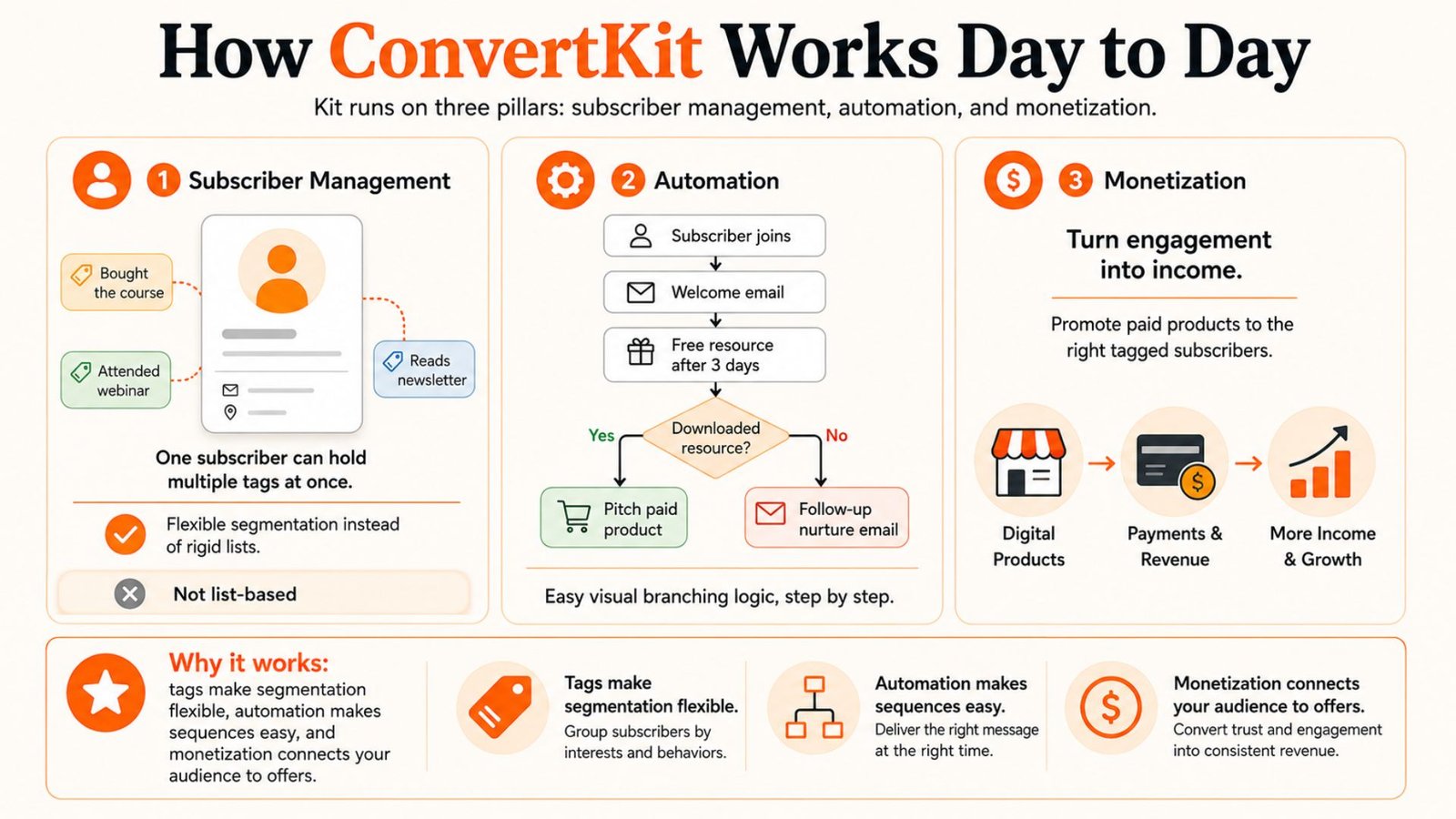
On the day-to-day side, Kit’s system rests on three pillars: subscriber management, automation, and monetization.
Instead of sorting subscribers into rigid lists, Kit uses a tagging system — a single subscriber can carry multiple tags at once (say, “bought the course,” “attended the webinar,” “reads the newsletter but hasn’t purchased”).
That tagging approach makes segmentation far more flexible than the list-based systems most other tools rely on.
Automation itself runs through a drag-and-drop visual builder, and you don’t need any technical background to put together a multi-step sequence. Someone subscribes, gets a welcome email, receives a free resource three days later, and if they download that resource, the next email pitches a paid product. That kind of branching logic is easy to lay out visually, step by step.
Where ConvertKit Really Stands Out: Monetization
Where Kit really separates itself from other email tools is monetization, and this is built in rather than bolted on.
You can sell digital products — courses, ebooks, templates — directly, without a separate platform. You can run a paid newsletter and charge subscribers directly for access.
There’s a Creator Network that lets you cross-promote with other creators to pick up new subscribers for free. And there’s a built-in sponsor network for newsletter writers looking to monetize through sponsorships.
On top of that, you get landing pages and forms for collecting subscribers, with no coding required.
ConvertKit Pricing in 2026
Now, on pricing — and this is where a lot of people get surprised.
Kit’s billing is based on your total subscriber count, not on how many emails you actually send. That means your bill grows as your list grows, even if you aren’t emailing everyone regularly.
The free Newsletter plan is genuinely generous: up to 10,000 subscribers at no cost, which is rare in this space. But once you need automation or the more advanced features, you’re looking at paid tiers.
The Creator plan starts around $33/month (billed annually) for your first 1,000 subscribers and scales up from there, while Creator Pro starts around $66/month for the same subscriber range but adds advanced reporting and monetization tools.
In my research, one thing stood out clearly: going from 1,000 to 5,000 subscribers pushes the cost up fairly quickly, so if you’re planning to grow your list, it’s worth budgeting for that ahead of time rather than being caught off guard later.
It’s also worth knowing that in September 2025, ConvertKit made a significant change — the entry-level Creator plan’s starting price roughly doubled, an increase of about 120%. That shift has understandably made some creators pause and compare their options before committing.
ConvertKit Pros and Cons
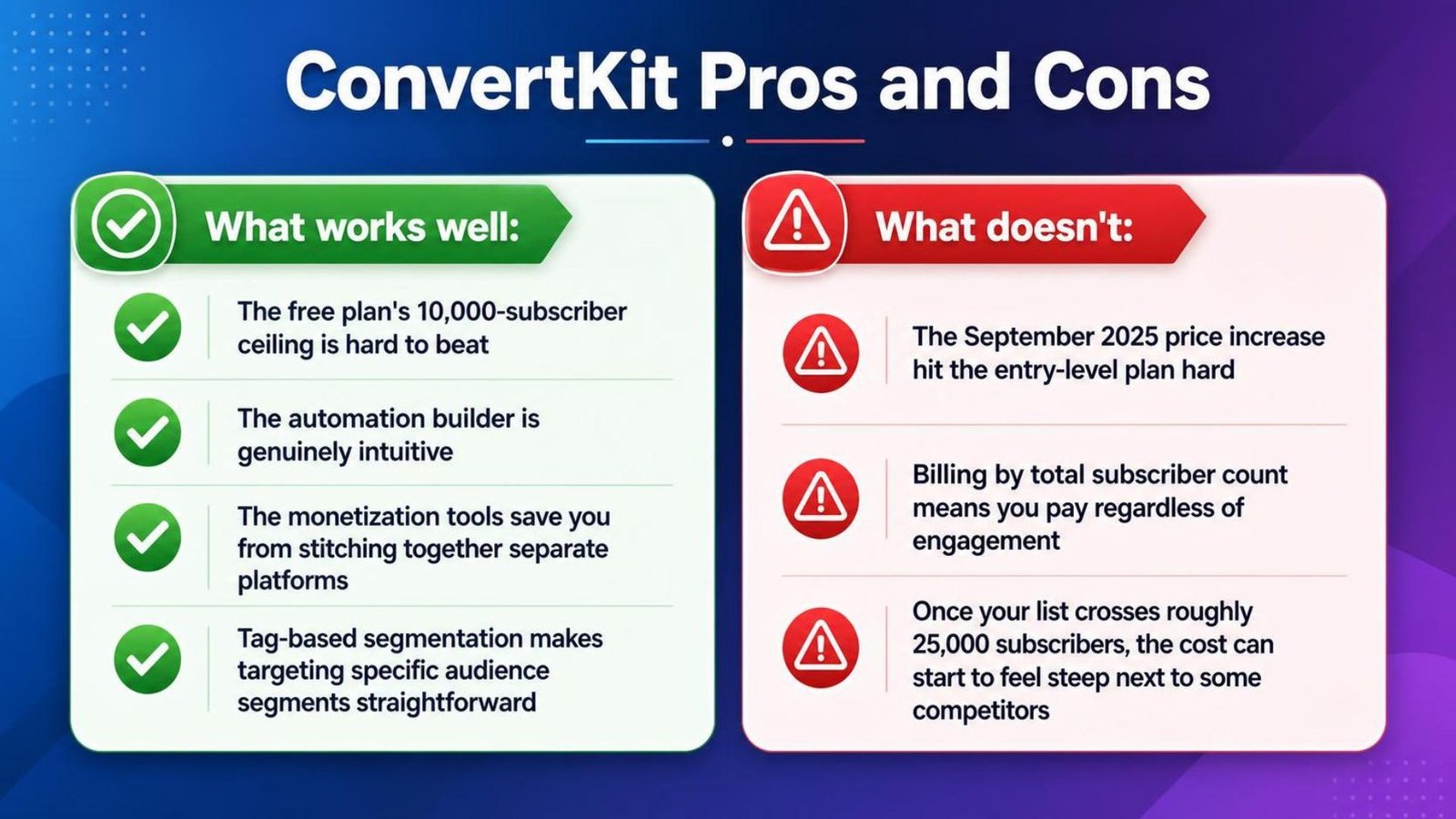
What works well:
- The free plan’s 10,000-subscriber ceiling is hard to beat
- The automation builder is genuinely intuitive
- The monetization tools save you from stitching together separate platforms
- Tag-based segmentation makes targeting specific audience segments straightforward
What doesn’t:
- The September 2025 price increase hit the entry-level plan hard
- Billing by total subscriber count means you pay regardless of engagement
- Once your list crosses roughly 25,000 subscribers, the cost can start to feel steep next to some competitors
Who Should Actually Use ConvertKit?
So who is this actually right for?
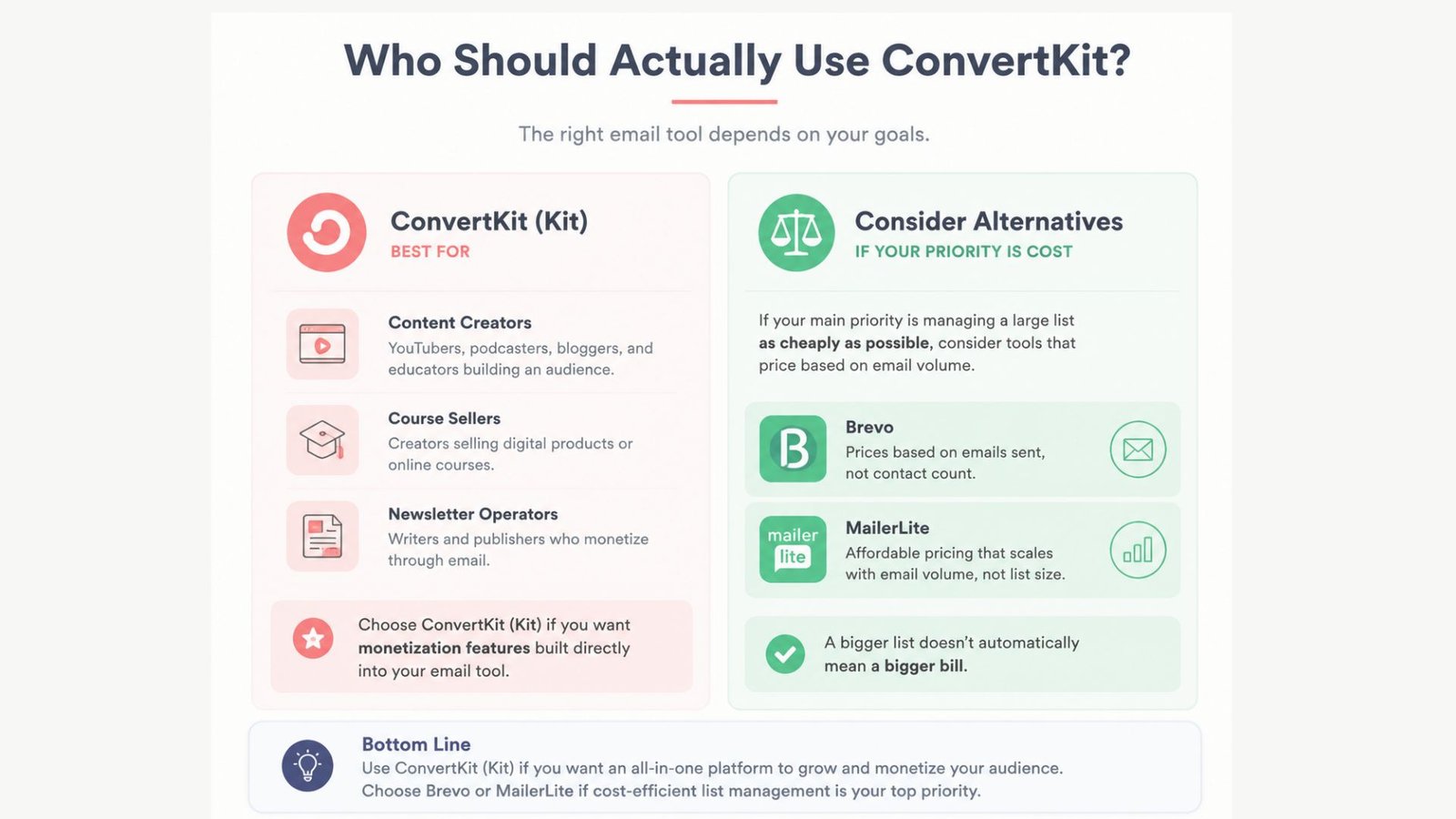
If you’re a content creator, course seller, or newsletter operator who wants monetization features built directly into your email tool, Kit is still a strong choice.
But if your main priority is managing a large list as cheaply as possible, it’s worth looking at alternatives like Brevo or MailerLite, which price based on email volume rather than contact count — meaning a bigger list doesn’t automatically mean a bigger bill.
So who is this actually right for? If you’re a content creator, course seller, or newsletter operator who wants monetization features built directly into your email tool, Kit is still a strong choice. But if your main priority is managing a large list as cheaply as possible, it’s worth looking at alternatives like Brevo or MailerLite, which price based on email volume rather than contact count — meaning a bigger list doesn’t automatically mean a bigger bill. Bottom line: Kit’s core features are still strong, particularly around automation and monetization. But given the 2025 price increase, it’s worth setting a clear budget in mind before you commit to a paid plan.