


Digital Ocean vs AWS is a question that comes up the moment you outgrow shared hosting. Both let you rent servers by the hour, both run everything from a small blog to a busy app, and both have loyal fans. But they’re built for very different people, and picking the wrong one can mean an overcomplicated setup or a surprisingly big bill.
This guide breaks down pricing, ease of use, performance, and services in plain language, so you can pick the one that fits your project and get back to building.
Here’s the short version before the details.
| DigitalOcean | AWS | |
|---|---|---|
| Best for | Startups, solo developers, small teams | Large apps, enterprises, global scale |
| Entry server price | Droplets from $4/month | Pay-as-you-go, no flat entry price |
| Number of services | About 26 | 200+ |
| Regions | About a dozen locations | 30+ regions |
| Learning curve | Gentle | Steep |
| Pricing style | Flat and predictable | Flexible but complex |
If you want to launch quickly and keep the bill simple, DigitalOcean usually fits. If you need a huge catalog of services or worldwide reach, AWS is hard to replace.
If you’re wondering what is Digital Ocean, it’s a cloud provider founded in 2011 that built its reputation on simplicity. Its main product is the Droplet, a virtual server you can spin up in about a minute, with clear pricing and a clean dashboard. Beyond Droplets, it offers managed databases, Kubernetes, object storage called Spaces, load balancers, and App Platform, which hosts apps without you managing servers.
The idea is that most projects don’t need hundreds of tools. They need a few good ones that are easy to understand. AWS, on the other hand, is the giant of the industry. Amazon AWS services cover almost anything you can imagine, from basic servers and storage to machine learning, analytics, IoT, and serverless computing. That breadth is the point, and it’s why large companies build on it. The trade-off is complexity. Setting up a simple web app on AWS can mean learning about virtual private clouds, security groups, and permissions before you write a line of code. That’s the heart of the Digital Ocean vs AWS debate: one gives you a small, friendly toolbox, and the other gives you an entire warehouse. Which one is better depends entirely on how much of that warehouse you’ll ever use.
Pricing is where most people feel the difference first. These figures are rough examples from 2026, and the two servers below don’t have identical specs, so treat them as a guide.
| Item | DigitalOcean | AWS |
|---|---|---|
| Entry server | Droplets from $4/month | No flat entry price |
| Mid-size example | 2 GB Droplet, about $18/month | t3.medium (2 vCPU, 4 GiB), about $38.54/month |
| Billing | Monthly cap, per-second billing | Pay-as-you-go, per-second after first minute |
| Regional pricing | Same price in every region | Varies by region |
| Discounts | Mostly flat pricing | Reserved, Savings Plans, Spot |
DigitalOcean’s biggest advantage is predictability. You pick a plan, you know the price, and bandwidth is mostly bundled in. AWS bills for many separate things, including data transfer, storage operations, and extra IP addresses, so the final number can surprise you if you don’t watch it closely. Some analyses suggest moving a steady workload from EC2 to DigitalOcean can cut compute costs by two to three times, though your results will vary. AWS can win on cost at large scale, thanks to reserved instances and spot pricing, but you have to plan carefully to get those savings. For a small team that just wants a steady, understandable bill, DigitalOcean is usually the calmer choice, and for a big company with a dedicated cloud team, AWS’s flexibility can pay for itself.
DigitalOcean is built to feel approachable. After you create an account, you sign in through the Digital Ocean login page on the official website, and you can use an email and password or connect a Google or GitHub account. Turning on two-factor authentication is a smart move, because your cloud account controls real servers and real money. From there, creating a Droplet takes a few clicks, and the documentation and community tutorials are some of the best in the industry.
AWS is more demanding. Its console is powerful but crowded, and a first-time user usually has to learn how identity, networking, and billing alerts work before launching anything safely. Once you know your way around, it’s incredibly capable, but the learning curve is real. Whichever you pick, always sign in through the official sites and watch out for look-alike login pages.
Raw server speed is close between the two, so performance rarely decides the winner. Droplets boot quickly and run well for typical web apps, APIs, and databases. AWS offers more instance types, including very large and specialized ones, which matters if you run heavy workloads.
On reliability, both publish strong uptime commitments. DigitalOcean advertises 99.99% for Droplets, and AWS offers 99.99% for EC2 across a region. The real difference is reach. AWS runs in 30 or more regions worldwide, while DigitalOcean has roughly a dozen data center locations. If your users are spread across the globe, or you need to meet strict data residency rules, AWS has the advantage.
Most projects need servers, a database, storage, and maybe Kubernetes. DigitalOcean covers all of that with managed PostgreSQL, MySQL, Redis, and MongoDB, plus Spaces, which is S3-compatible, and App Platform for easy deployment. It has also added GPU Droplets for AI work.
Amazon AWS services go much further. You get serverless functions with Lambda, huge managed database options like RDS and DynamoDB, and a whole stack for machine learning, analytics, and security. If you know you’ll need those specialized tools, AWS saves you from stitching together outside services later. If you won’t, they’re just extra menus to scroll past.
Growth is where the Digital Ocean vs AWS gap shows up most. On DigitalOcean, you scale by resizing a Droplet, adding load balancers, or moving to managed Kubernetes, which covers a surprising number of real-world apps. On AWS, you can add Auto Scaling groups, serverless functions, and global content delivery, and scale almost without limit.
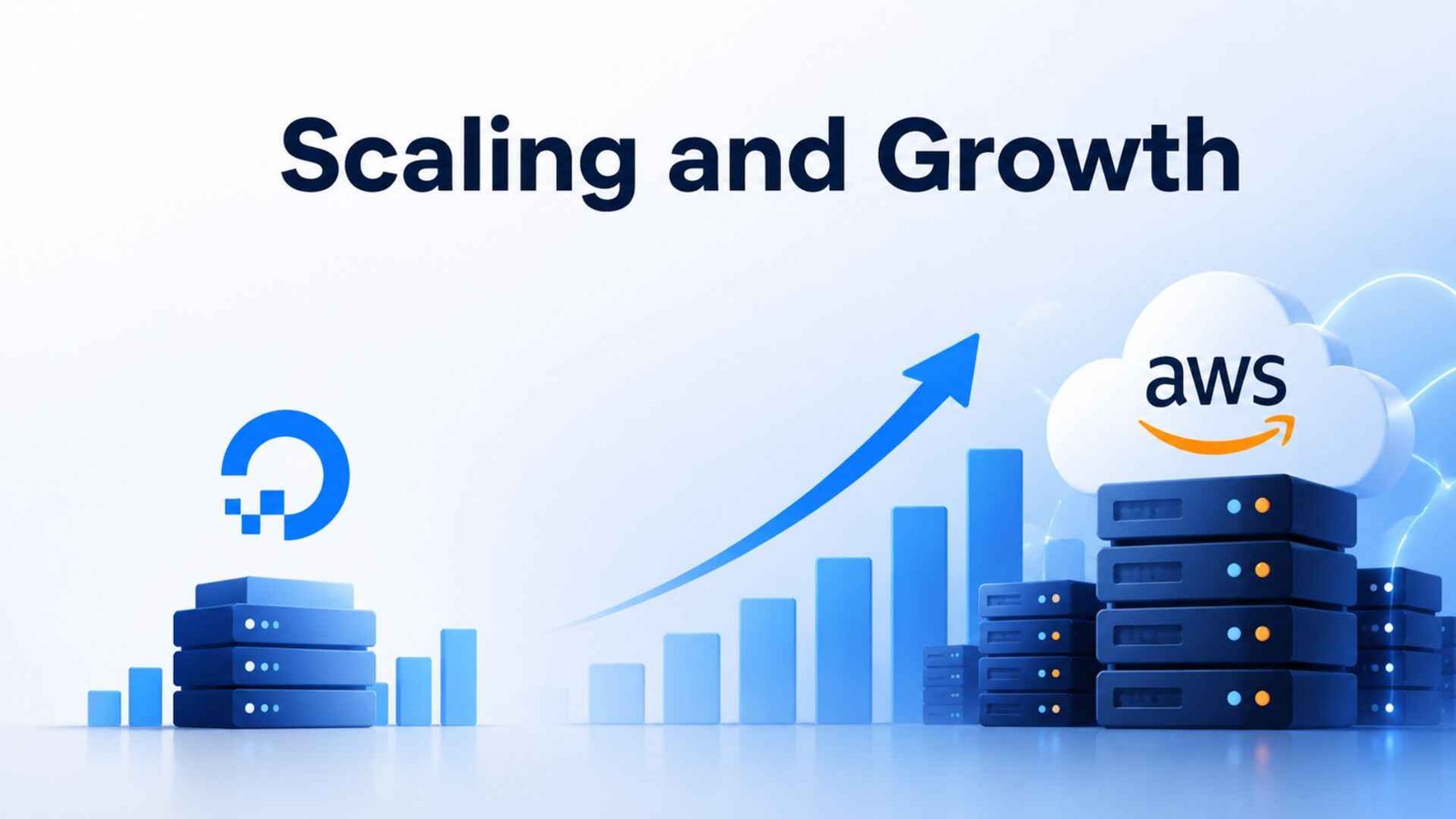
Most small projects never hit the point where DigitalOcean runs out of room. If yours might, ask yourself honestly how fast you expect to grow. Planning for a million users on day one usually just adds cost and complexity you don’t need yet.
Here’s the plain version of the AWS or Digital Ocean decision:
DigitalOcean is a cloud provider that offers virtual servers called Droplets, plus managed databases, Kubernetes, storage, and app hosting. It’s known for simple pricing, a clean dashboard, and strong tutorials, which makes it popular with startups and small teams.
Go to the official DigitalOcean website and choose to sign in. Use your email and password, or sign in with a connected Google or GitHub account if you set one up. Turn on two-factor authentication, and always avoid links from unexpected emails.
For small, steady workloads, usually yes. DigitalOcean’s flat pricing and bundled bandwidth keep bills predictable. AWS can be cheaper at large scale with reserved and spot pricing, but it takes more planning to get there.
DigitalOcean is the easier starting point because of its simple dashboard, clear pricing, and friendly docs. AWS is more powerful but has a steeper learning curve, so it suits beginners who already know they need its larger service catalog.
The Digital Ocean vs AWS choice isn’t about which platform is better overall. It’s about how much cloud you actually need. DigitalOcean gives small teams speed, simplicity, and a bill that makes sense. AWS gives growing companies nearly unlimited tools and reach. Start with what fits your project today, and remember that you can always move up later.