

Search Shopify reviews and you’ll find no shortage of opinions — most of them either paid promotion dressed up as objectivity, or outdated complaints from years-old versions of the platform. This review cuts through both, based on current 2026 pricing, the platform’s Spring ’26 Edition update, and what actually matters for a business deciding whether to build on Shopify this year.
Short version: Shopify remains the strongest all-around choice for growing ecommerce businesses, particularly after a wave of AI and B2B features rolled out in 2026 — but it’s not the cheapest option, and the real cost only becomes clear once you factor in apps and transaction fees.
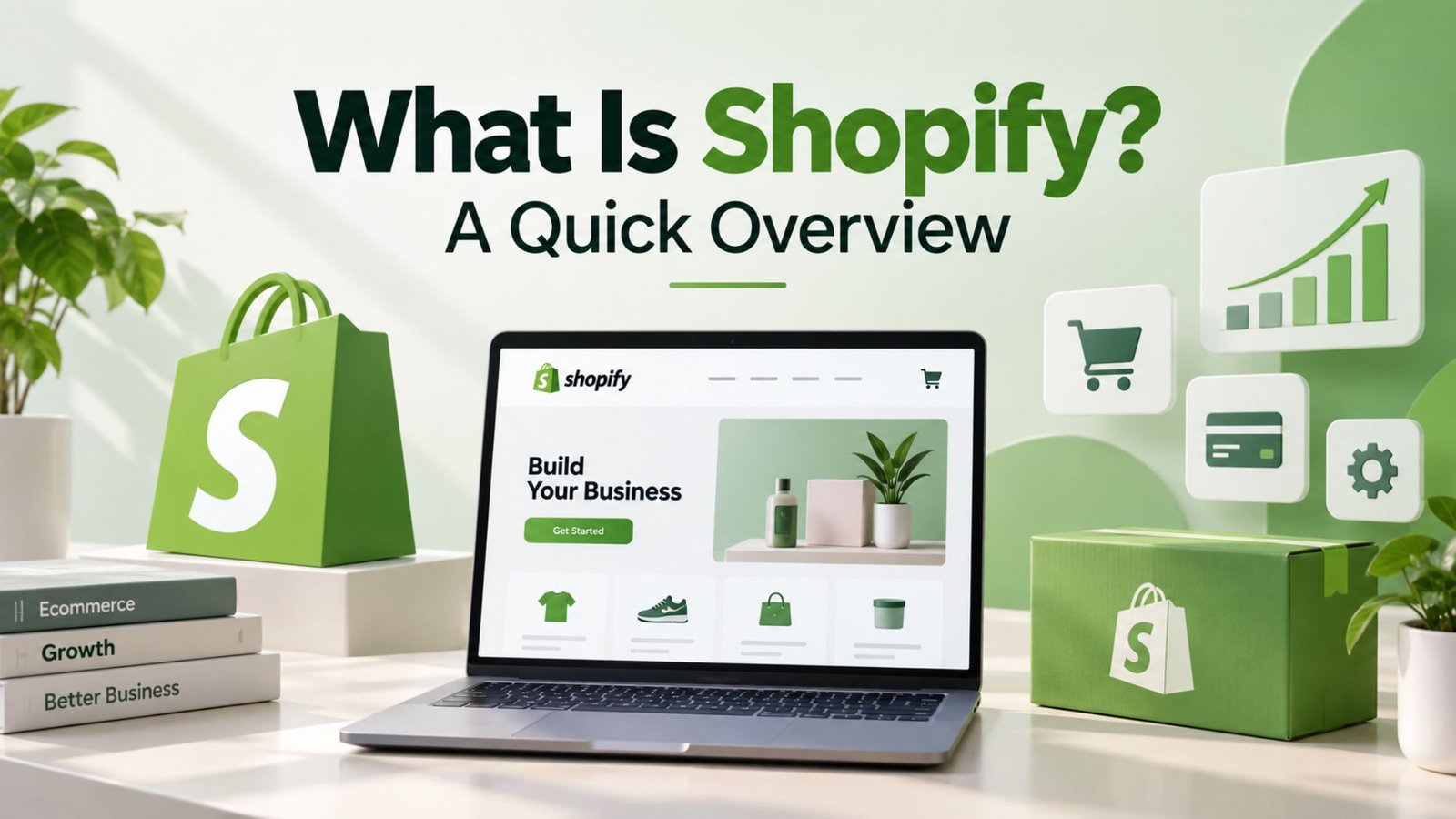
Shopify is a hosted ecommerce platform combining website design, checkout, inventory management, payment processing, and built-in marketing tools into a single system, with point-of-sale options available for physical retail. Every plan, regardless of price, includes unlimited products, abandoned-cart recovery emails, fraud protection, and 24/7 support — a baseline that’s genuinely more generous than several competitors offer even on their higher tiers.
A common point of confusion worth clearing up: is Shopify the same as Shop? No — Shop is Shopify’s separate consumer-facing shopping app, used by customers to track orders and discover products across different Shopify-powered stores. Shopify itself is the platform merchants use to actually build and run their store. Shop is essentially one storefront-facing piece of the broader Shopify ecosystem, not an alternative name for the platform itself.
Understanding Shopify pricing in 2026 requires looking past the headline number, since the platform runs five tiers. The Starter plan, around $5/month, covers basic social and link-in-bio selling without a full storefront. Basic, the entry point for most new stores, runs roughly $39/month with a standard 2.9% + 30¢ transaction rate through Shopify Payments. Higher tiers — Grow and Advanced — bring lower transaction fees, more staff accounts, and deeper reporting tools, with Advanced running in the $299-399/month range depending on billing terms. Shopify Plus, built for high-volume enterprise merchants, uses custom pricing.
Paying annually rather than monthly saves roughly 25% across the Basic, Grow, and Advanced tiers. Shopify also offers a 3-day free trial with no card required, followed by a discounted $1/month period for the following three months — a low-risk way to test the platform before committing to a full plan.
Every new Shopify store gets a default web address on the myshopify.com domain before a custom domain is connected — something first-time users often don’t expect to see during setup, and it can briefly cause confusion when the store’s “real” URL doesn’t match the brand name they had in mind. This myshopify.com address isn’t just a placeholder, either; it stays active behind the scenes even after a custom domain goes live, and Shopify continues to use it internally for admin access, app connections, and certain backend processes. Logging in happens through your store’s specific login.shopify admin URL, which stays separate from your public storefront address even after you connect a custom domain later — so merchants end up managing two distinct URLs for the same business: one that customers see and shop from, and one that only staff use to reach the dashboard. During initial setup, Shopify walks new users through picking a store name, setting a password, and confirming basic business details, and from there the admin panel becomes the control center for everything from adding products to configuring payments. It’s worth bookmarking the admin login URL early on, since typing the public storefront address into a browser won’t get you anywhere near the dashboard — a mix-up that trips up more new merchants than you’d expect.
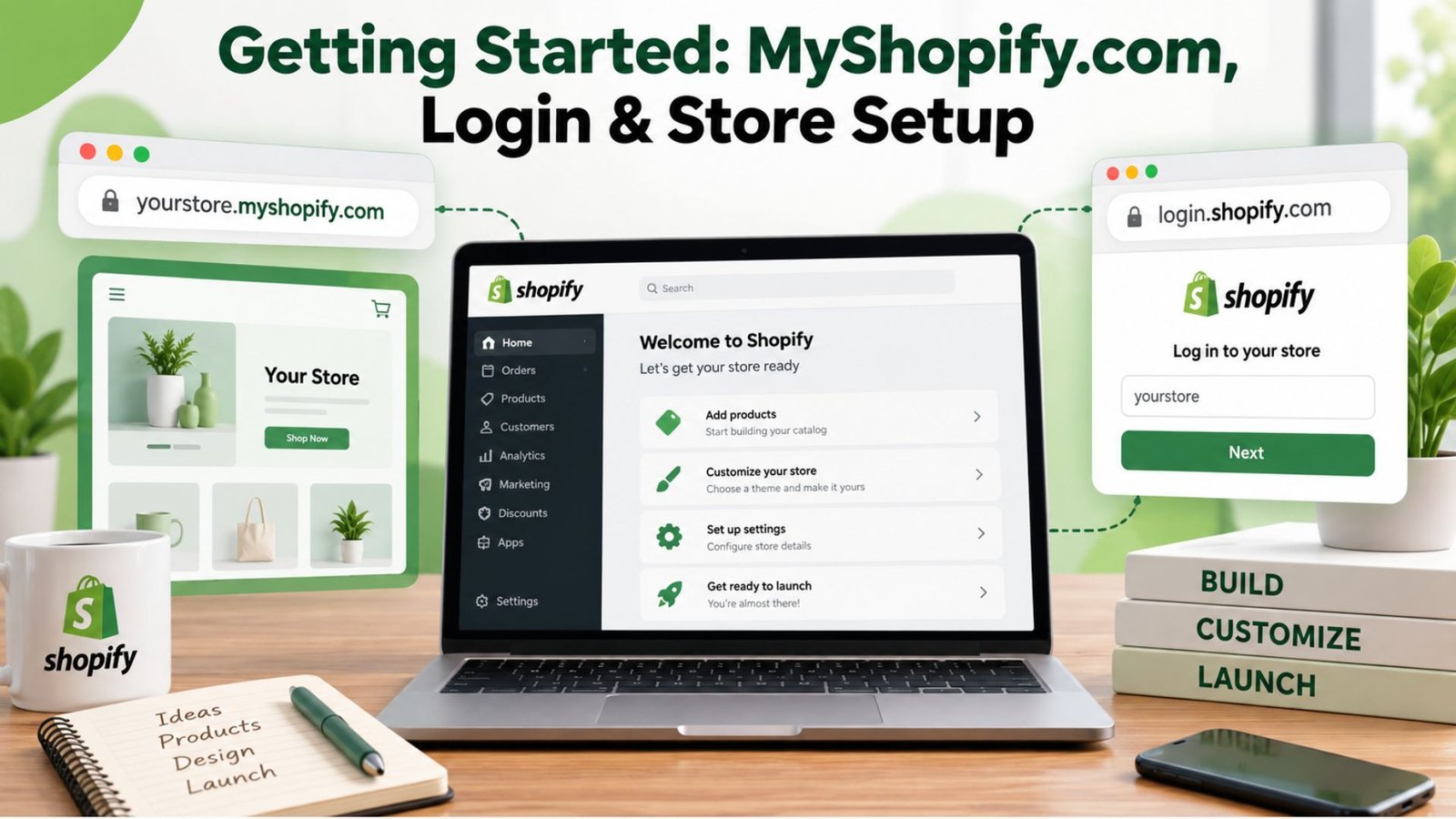
Connecting a custom domain is usually the first real “go live” step most merchants take, and it can be done either by buying a new domain directly through Shopify or by pointing an existing domain purchased elsewhere — GoDaddy, Namecheap, Google Domains, and similar registrars are all common — to the store using DNS records. Shopify’s admin panel walks through this with plain-language instructions rather than requiring merchants to understand DNS from scratch, though propagation can still take anywhere from a few minutes to 48 hours depending on the registrar. It’s also worth noting that store owners can change their myshopify.com subdomain name once after setup if the original choice doesn’t fit, though this doesn’t affect the custom domain customers actually see. For teams with multiple staff accounts, Shopify lets the owner assign different permission levels — from full admin access down to limited access for specific areas like orders or products — all still routed through that same login.shopify admin URL rather than the public-facing one.
For anyone wondering how to add products to my Shopify store, the process is straightforward from the admin dashboard: navigate to Products, click “Add product,” then fill in the title, description, images, pricing, and inventory details. Shopify also supports bulk product uploads through a CSV file, which matters significantly once you’re managing more than a handful of items — manually entering fifty or a hundred products one at a time is one of the more avoidable time sinks new store owners run into.
A significant 2026 update worth knowing about: as of April 2026, foundational Shopify B2B features — company profiles and basic wholesale functionality — became available across all plans, not just Shopify Plus. Advanced B2B capabilities, like unlimited catalogs and partial payment options, remain exclusive to Plus. For a business straddling both direct-to-consumer and wholesale sales, this change genuinely lowers the barrier to running both channels on one platform rather than needing a separate system for B2B orders.
As an enterprise ecommerce platform, Shopify Plus adds custom checkout capabilities, higher API limits, and dedicated account support built for high-volume merchants processing significant order counts monthly.
On the hardware side, Shopify supports a range of card readers and receipt printers, and the POS app itself runs on iPad or Android devices, so a pop-up shop or a small boutique doesn’t need a dedicated checkout counter to get started — a tablet and a card reader are often enough. Staff management is built in too, with PIN codes, individual sales attribution, and permission controls that let an owner see exactly who rang up which sale, which matters once a business grows past a single employee. Returns and exchanges can be processed against an online order from the in-store register and vice versa, something that trips up a lot of multichannel retailers using disconnected systems. For businesses that split time between markets, craft fairs, and a fixed retail location, offline mode lets the POS keep taking payments even without a reliable internet connection, syncing everything back up once the connection returns. And because it sits on the same platform as the online store, promotions, gift cards, and even staff-specific pricing rules apply consistently no matter where the sale happens — which is arguably the biggest practical benefit: one system, one source of truth, instead of stitching software together after the fact.
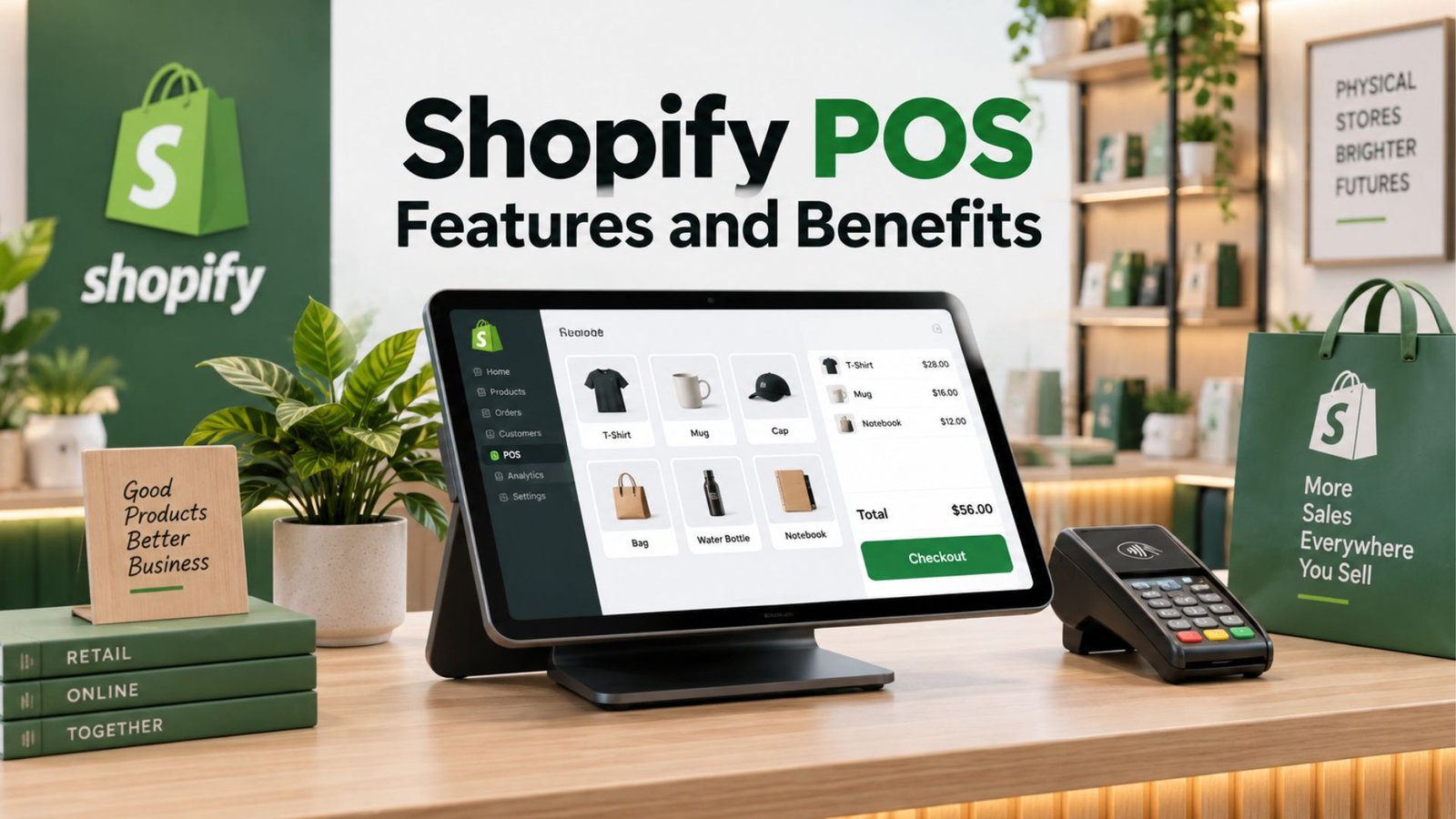
Every Shopify plan includes Shopify POS Lite for basic point-of-sale functionality, letting online merchants accept in-person payments without a separate system. The Shopify POS features and benefits become more substantial with POS Pro, an add-on running around $89/month on top of your existing plan, which unlocks faster staff workflows, granular permission controls, and detailed inventory reporting across both online and offline sales channels — genuinely useful for any business running a physical retail location alongside its online store.
Beyond the storefront itself, Shopify business management features cover order tracking, staff account permissions, and built-in analytics that scale with your plan tier. Higher-tier plans unlock more staff accounts and access to the Advanced Report Builder for custom reporting — a meaningful upgrade for a growing team that needs more than the basic dashboard Shopify ships with on entry-level plans.
For businesses wanting more customization than the built-in theme editor allows, Shopify development and Shopify website design work is a common next step, whether through in-house resources or hired Shopify developers. A Shopify development store — a free, non-transactional store specifically for testing themes, apps, and custom code — lets developers build and test changes without touching your live storefront, which is a genuinely useful safeguard when making significant design or functionality changes.
The platform’s Shopify new analytics features 2026 rollout, part of the Spring ’26 Edition update, added performance visibility into how stores are showing up in AI-driven shopping channels — a genuinely new category of data most merchants haven’t had access to before. This ties into Shopify’s broader push toward AI commerce, including Shopify Copilot’s checkout integration and guidance on what’s missing to improve conversion in these newer AI-influenced shopping surfaces. Notably, this level of AI visibility used to be locked behind Shopify Plus and is now included on Basic, Grow, and Advanced plans at no extra cost.

For anyone researching Shopify for beginners, the platform’s biggest advantage is genuinely fast setup — a functional store can go live within a day, even without technical experience. That said, the most useful growth features tend to live behind paid apps rather than being built in from day one, which means running costs can climb faster than a first-time seller expects. Shopify tends to make the most sense once a store already has some sales traction, rather than during the very earliest stage of testing a product idea with no revenue yet.
The Shopify community — forums, partner directories, and an extensive app ecosystem — is one of the platform’s underrated strengths, particularly for troubleshooting specific issues that Shopify’s own support team might not resolve as quickly. Every plan includes 24/7 support directly from Shopify, but the community layer adds a second resource for the kind of store-specific, workflow-level questions that come up constantly once a store is actually running.
Social proof matters enormously for ecommerce conversion, which is why finding the best Shopify reviews app for small businesses is a common early priority for new merchants. Popular options like Judge.me, Loox, and Yotpo each integrate directly into a Shopify storefront, letting customers leave photo and text reviews that display on product pages. For a small business just starting out, a free or low-cost reviews app is usually enough — the real value comes from consistently collecting reviews early, not from picking the most feature-heavy app on day one.
What works well:
Where it falls short:
Across current Shopify reviews, one theme holds up consistently: it’s a genuinely capable, fast-to-launch platform that scales well as a business grows, particularly with 2026’s B2B and AI-commerce updates narrowing the gap between entry-level and enterprise plans. The real cost consideration isn’t the base subscription — it’s the app spending that tends to grow alongside your store. For a business with some sales traction already, or one planning to scale seriously, Shopify remains one of the smartest ecommerce platforms available in 2026.
Different products. Shop is Shopify’s consumer shopping app for tracking orders and browsing products, while Shopify itself is the platform merchants use to build and manage their store.
For a handful of items, add them individually through Products > Add Product in the admin dashboard. For larger catalogs, Shopify supports bulk uploads via a CSV file, saving significant setup time.
As of April 2026, foundational B2B features — company profiles and basic wholesale functionality — are available on all plans, making it realistic for smaller businesses to serve wholesale customers without needing Shopify Plus.
Is Shopify a good platform for complete beginners with no ecommerce experience?
Yes for setup speed, though it works best once a store has some early sales traction. Many of the most useful growth features come through paid apps, so budget for that beyond the base monthly plan.