

If you’ve searched for WordPress hosting at any point in the last decade, you’ve almost certainly seen Bluehost recommended. It’s one of only a handful of hosts officially endorsed by WordPress.org, and it powers millions of websites worldwide. But is it still the right pick in 2026, or has the competition caught up?
I spent time digging into current pricing, speed data, and real user feedback to put together this Bluehost review, and I’ll be upfront about both what impressed me and what didn’t.
Bluehost is a web hosting provider that got its start nearly two decades ago, originally built to serve small and medium businesses.
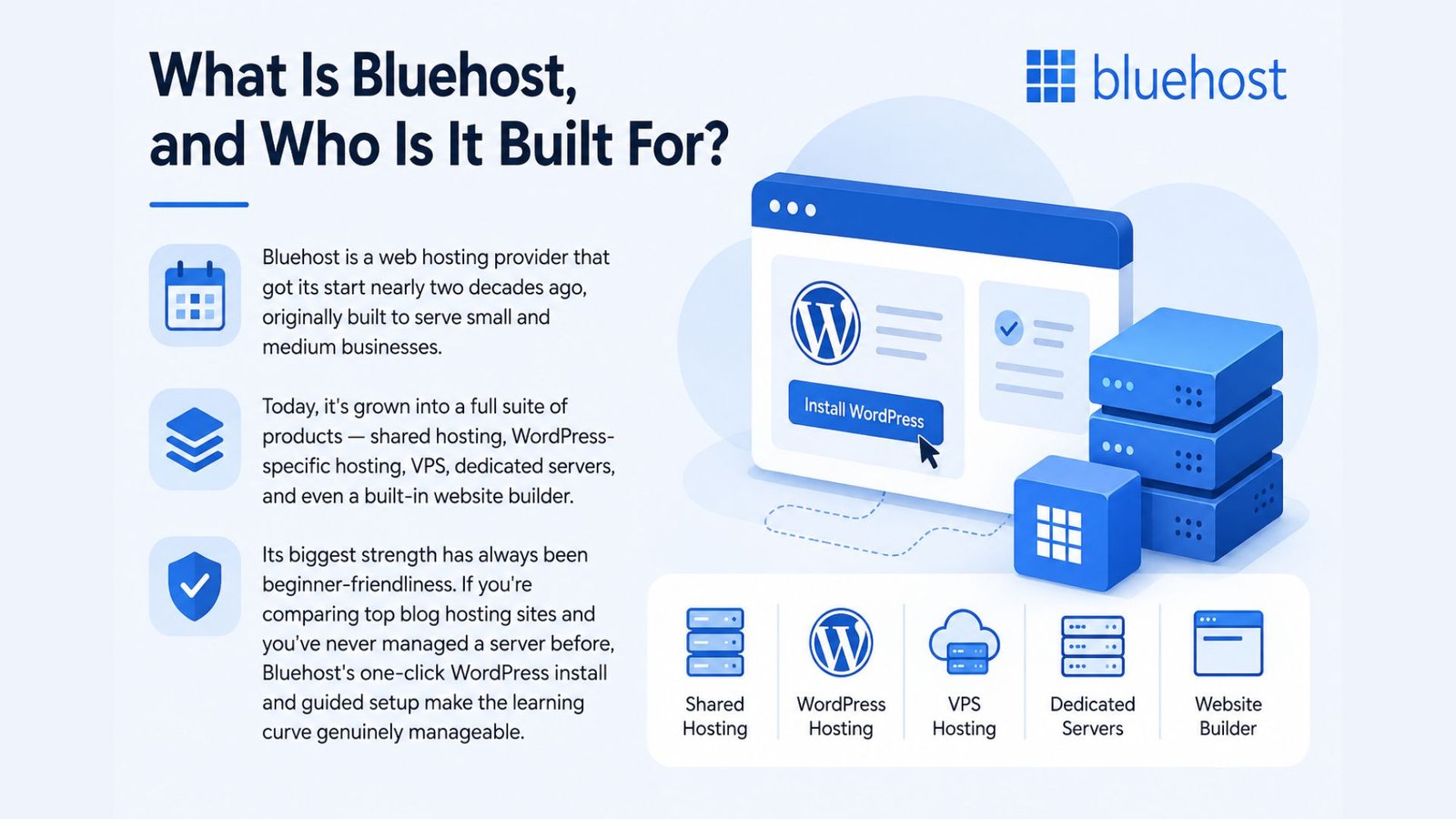
Today, it’s grown into a full suite of products — shared hosting, WordPress-specific hosting, VPS, dedicated servers, and even a built-in website builder.
Its biggest strength has always been beginner-friendliness. If you’re comparing top blog hosting sites and you’ve never managed a server before, Bluehost’s one-click WordPress install and guided setup make the learning curve genuinely manageable.
Here’s where a lot of hosting reviews get vague, so let’s be specific.
Bluehost’s introductory pricing ranges from around $2.99 to $9.99 per month for shared hosting plans, but that rate requires locking in a 36-month term upfront. The catch — and it’s a real one — is renewal pricing. Once your first term ends, rates jump significantly, often to $9.99–$21.99 per month depending on the plan.
For most beginners, the Business tier at roughly $5.99/month introductory is the more honest recommendation over the cheapest Starter plan. The added automated daily backups and domain privacy protection are worth the extra couple of dollars a month — these aren’t optional extras for a site you actually care about.
If you’re planning to build an online store rather than a blog, Bluehost’s eCommerce plans run higher, generally in the $14.99–$21.99 range on a 36-month term, and add features like inventory management and shipping label tools.
VPS and dedicated hosting sit at the top of the lineup for higher-traffic sites, with VPS starting around $4.99/month on longer terms and dedicated hosting climbing well past $140/month.
Speed is where opinions on Bluehost tend to split.
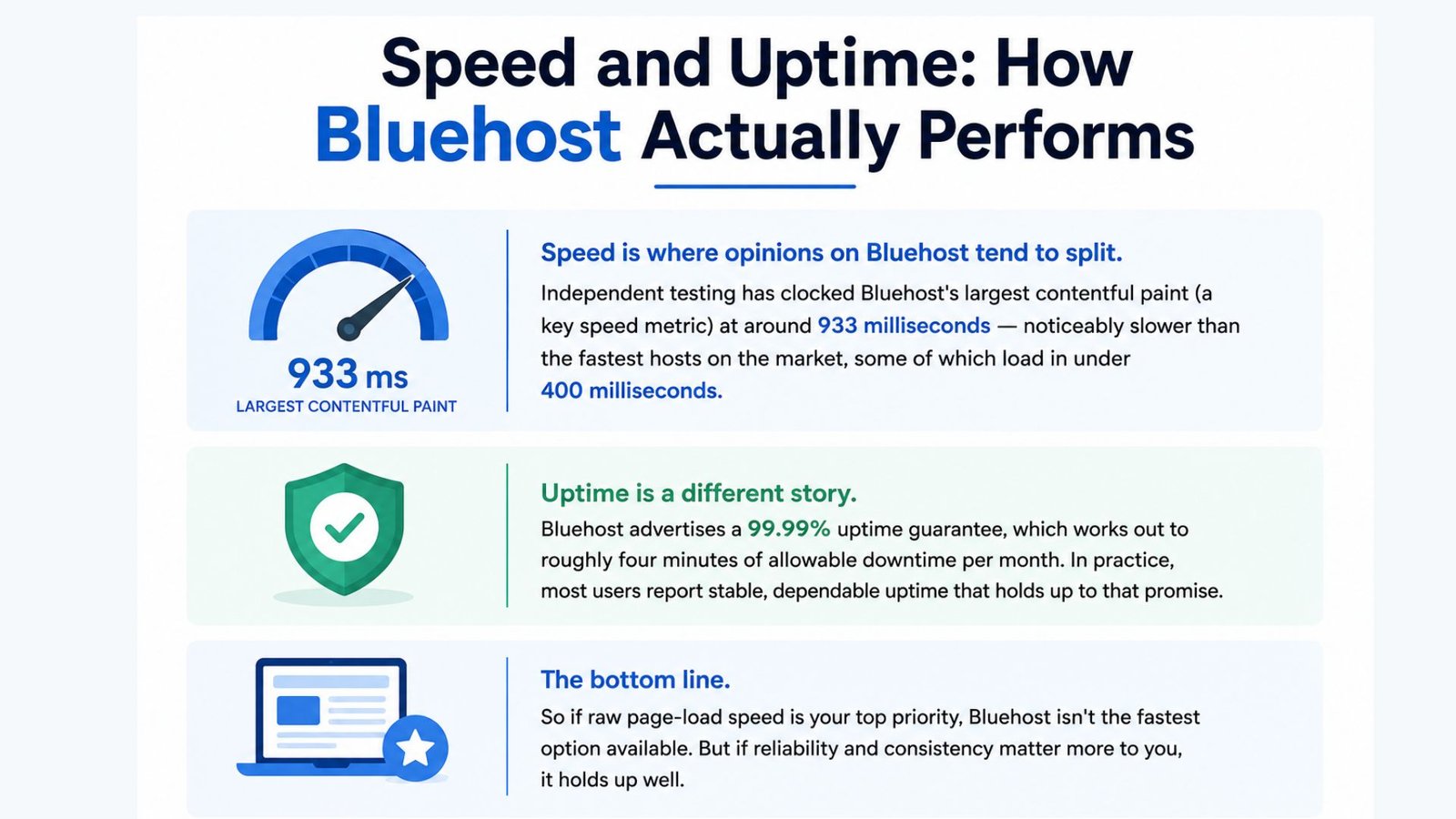
Independent testing has clocked Bluehost’s largest contentful paint (a key speed metric) at around 933 milliseconds — noticeably slower than the fastest hosts on the market, some of which load in under 400 milliseconds.
That said, uptime is a different story. Bluehost advertises a 99.99% uptime guarantee, which works out to roughly four minutes of allowable downtime per month. In practice, most users report stable, dependable uptime that holds up to that promise.
So if raw page-load speed is your top priority, Bluehost isn’t the fastest option available. But if reliability and consistency matter more to you, it holds up well.
Every Bluehost plan includes a free domain for the first year and a free SSL certificate, which covers two costs you’d otherwise pay separately with many competitors.
The Bluehost web builder is designed specifically to work well with WordPress while remaining approachable for total beginners. It includes a large template library, support for ecommerce stores, and built-in email marketing tools.
Somewhat surprisingly for an entry-level host, Bluehost includes staging environments and SSH access on every plan — features many competitors reserve for pricier tiers.
Through the Bluehost account manager, users can handle billing, domain renewals, and hosting settings from a single centralized dashboard, which keeps day-to-day account maintenance fairly painless.
If you already have a domain elsewhere, Bluehost domain buy options let you register a new one directly through their platform, or you can transfer an existing domain during signup. New accounts also get a Bluehost free domain for the first year as part of most hosting plans.
Wondering how to build a website with Bluehost from scratch? The process typically looks like this:
For anyone specifically researching bluehost blog hosting, the process is nearly identical, just with a blog-focused WordPress theme instead of a business template.
Bluehost makes the most sense for beginners launching their first website, small businesses that want an all-in-one hosting and website-builder solution, and anyone specifically building on WordPress who wants official platform support.
If raw speed is your top priority — say, you’re running a high-traffic ecommerce store — it’s worth comparing Bluehost against faster premium hosts before committing to a long-term plan.
Bluehost earns its long-standing reputation through genuine beginner-friendliness, official WordPress backing, and pricing that’s hard to beat during the introductory period. The honest caveat is renewal pricing — go in with realistic expectations about what you’ll pay after year one, and lock in the longest promotional term if the savings make sense for your situation.
For most beginners and small businesses building their first site, Bluehost remains one of the strongest starting points in WordPress hosting today.
Yes, Bluehost consistently ranks among the top blog hosting sites, largely due to its beginner-friendly setup, official WordPress endorsement, and affordable introductory pricing. It’s a particularly strong pick for bloggers who are hosting their first site and want guided onboarding.
You can log into your Bluehost account manager directly through the Bluehost website using your account credentials. From there, you can manage billing, renew or purchase domains, adjust hosting settings, and access support — all from one dashboard.
No, Bluehost is specifically designed with beginners in mind. The one-click WordPress installer, guided setup process, and built-in website builder mean most people can get a basic site live within an hour, even with zero prior hosting experience.
Yes, most Bluehost hosting plans include a free domain for the first year. If you want an additional domain or need to buy one separately later, the Bluehost domain buy option lets you search and register directly through your account dashboard during or after signup.